


We just released Driver Easy 7.3.0, and it’s a significant update. Along with adding four new languages and fixing some persistent UI bugs, we’ve introduced major under-the-hood improvements—most notably, native support for ARM64 and better control over NVIDIA drivers.
Here is a breakdown of what’s new and improved in this version.
Major Additions
Windows ARM64 Support
The latest release introduces a native application experience for Windows ARM64, featuring a unified installer that automatically detects your system architecture. We have also integrated a new method to provide you with more accurate CPU, memory, and NPU diagnostic data. Please note that core driver update and restore functionalities are still undergoing end-to-end real-world testing, and comprehensive support will be officially released once validation is complete.
New NVIDIA Driver Preferences
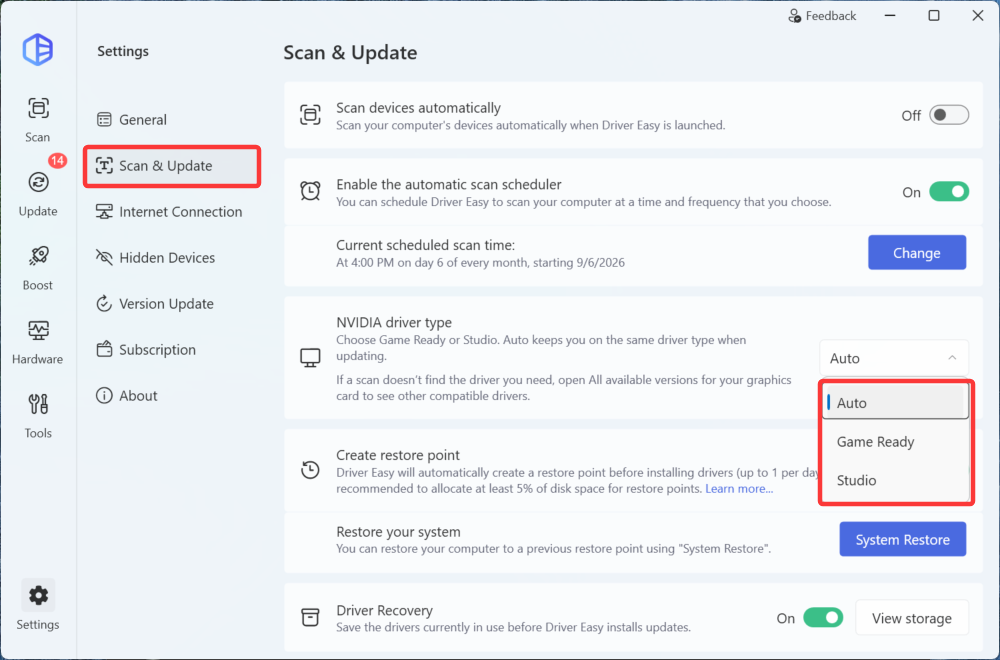
We know many of you use your PCs for specific workflows, whether that’s gaming or creative work. You can now set your preferred NVIDIA driver type in the settings: Auto, Game Ready, or Studio. You can set it under Settings > Scan & Update > NVIDIA driver type. Note that this setting is available only for machines with NVIDIA.
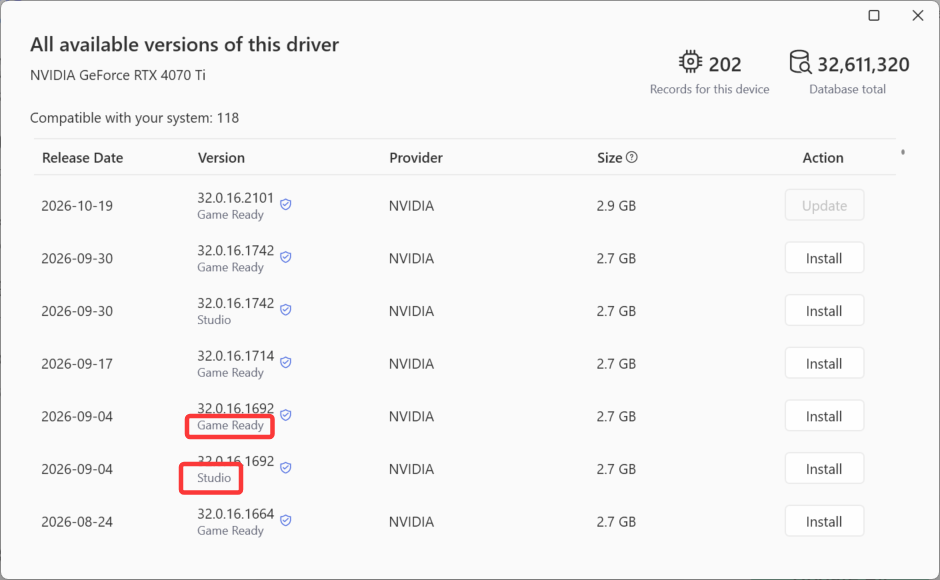
Additionally, these driver types are now clearly tagged in the “All Versions” list, so you always know exactly which version you are about to install.
AI Support (Early Access)
We are currently testing a new way to handle troubleshooting. Users can now access AI Support to send a support request, establish remote connections, and easily exchange diagnostic logs with our tech team. (Note: We’ve also clarified the description for the “Get early access to updates” option in the settings, so you know exactly what you’re opting into.)
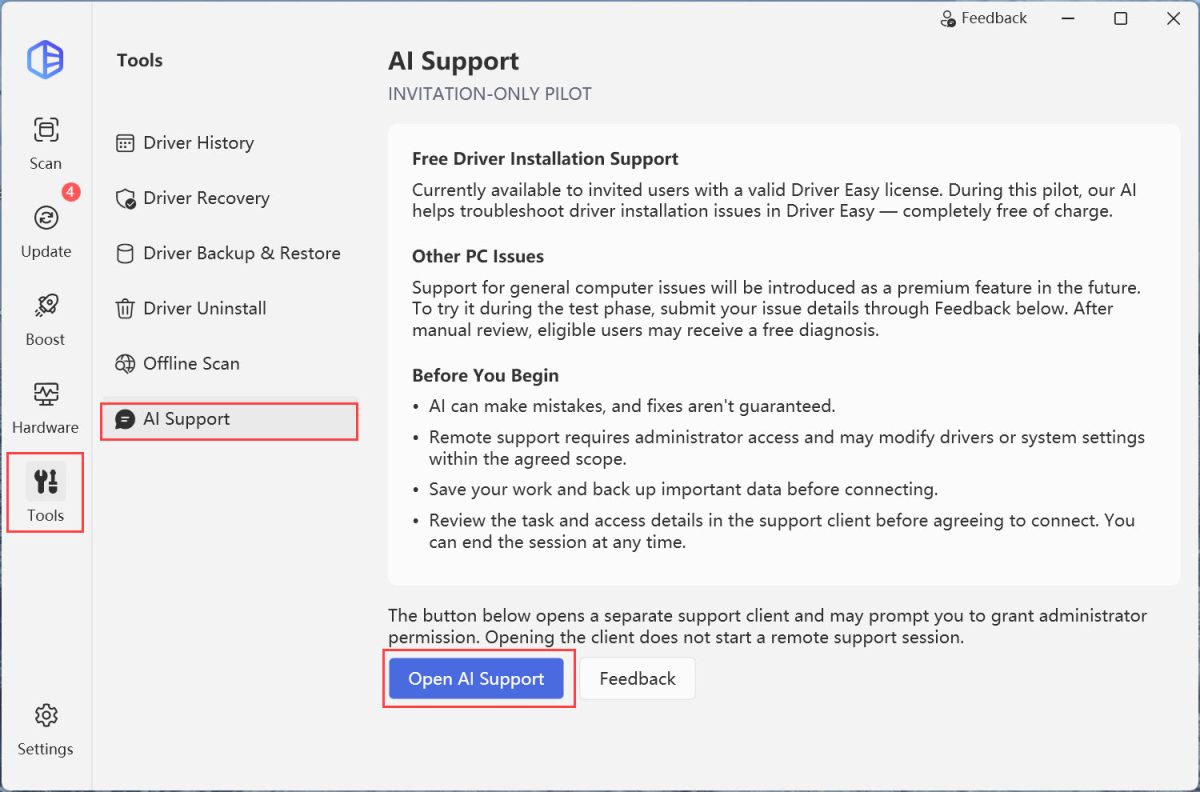
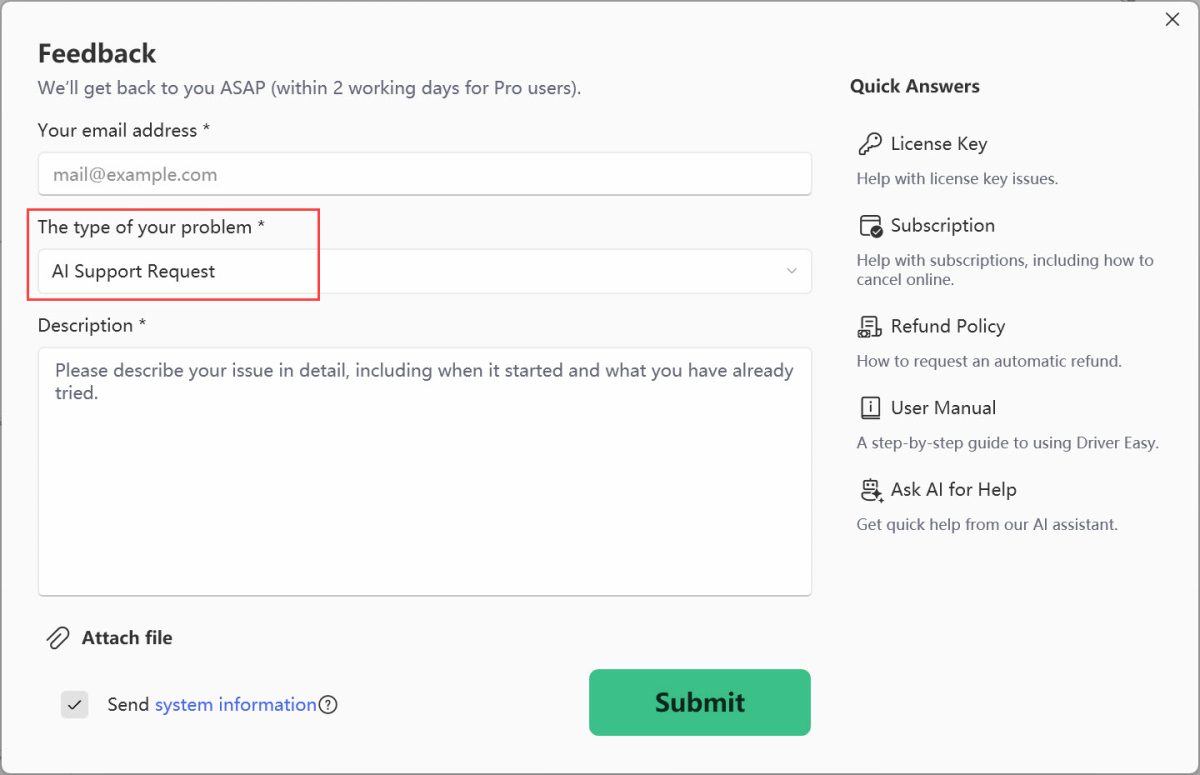
Encountered a computer issue and don’t know how to fix it? Open Driver Easy > Tools > AI Support, click Feedback and submit a request to us. Once we review your request, you might be invited to use our AI Support to solve your tech problem hassle-free!
Improvements & Fixes
More Languages and Better Accessibility
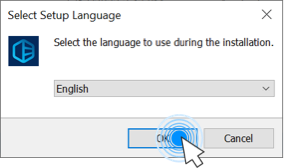
Driver Easy now officially supports 25 languages, with the addition of Finnish, Hebrew, Norwegian (Bokmål), and Swedish. We’ve also applied these language updates to the installer for a seamless setup experience.
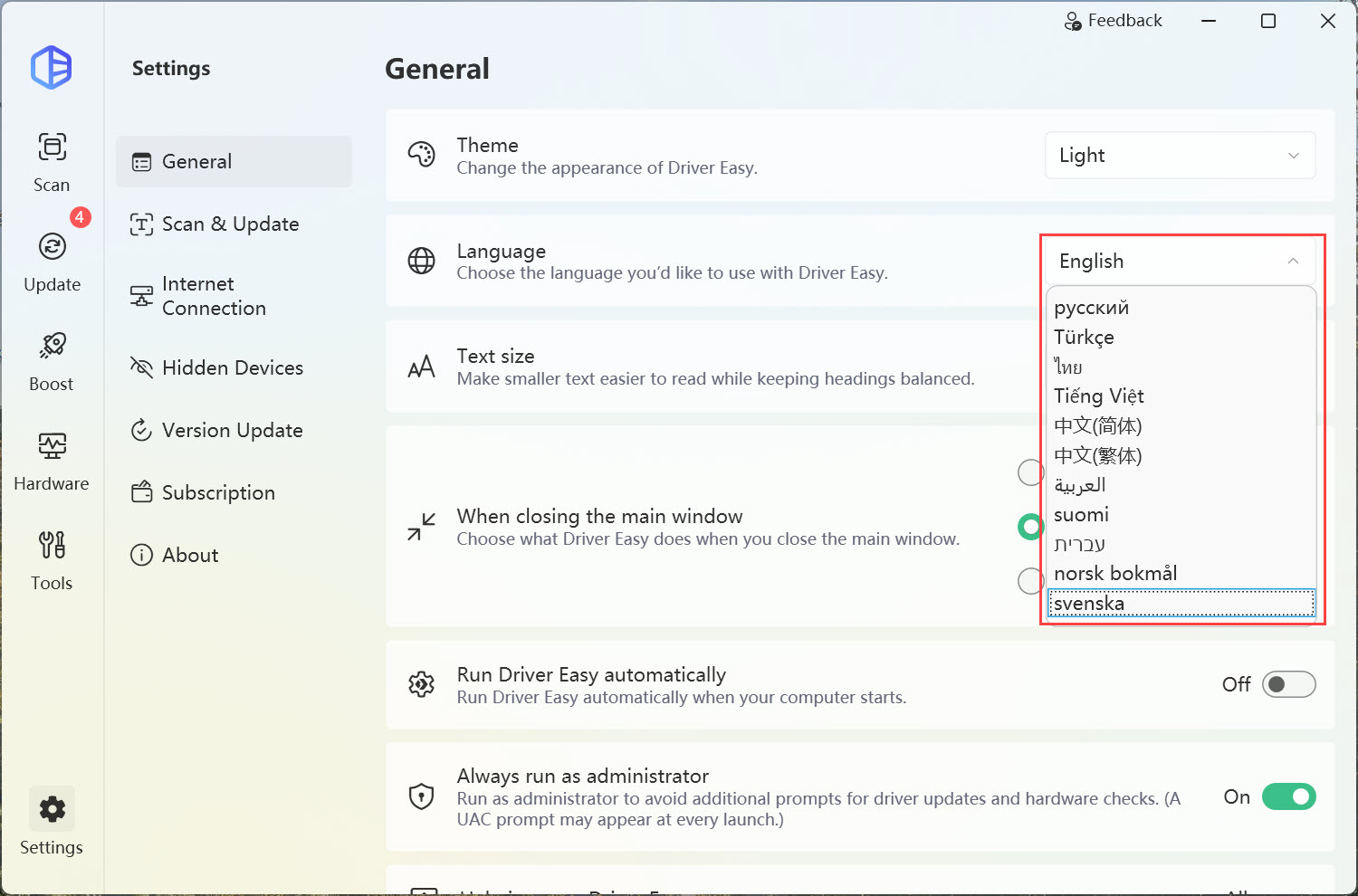
Alongside the new languages, we spent time making the app more accessible:
- Screen Readers & Keyboards: Navigating the app using a keyboard or screen reader is now much smoother. We fixed several focus bugs and ensured Right-to-Left (RTL) languages display correctly.
- Cleaner UI: If you use Windows scaling or large fonts, we’ve fixed the issues with text truncation and overlapping buttons.
Everyday Tweaks and Bug Fixes
We’ve also made several quality-of-life adjustments based on your feedback:
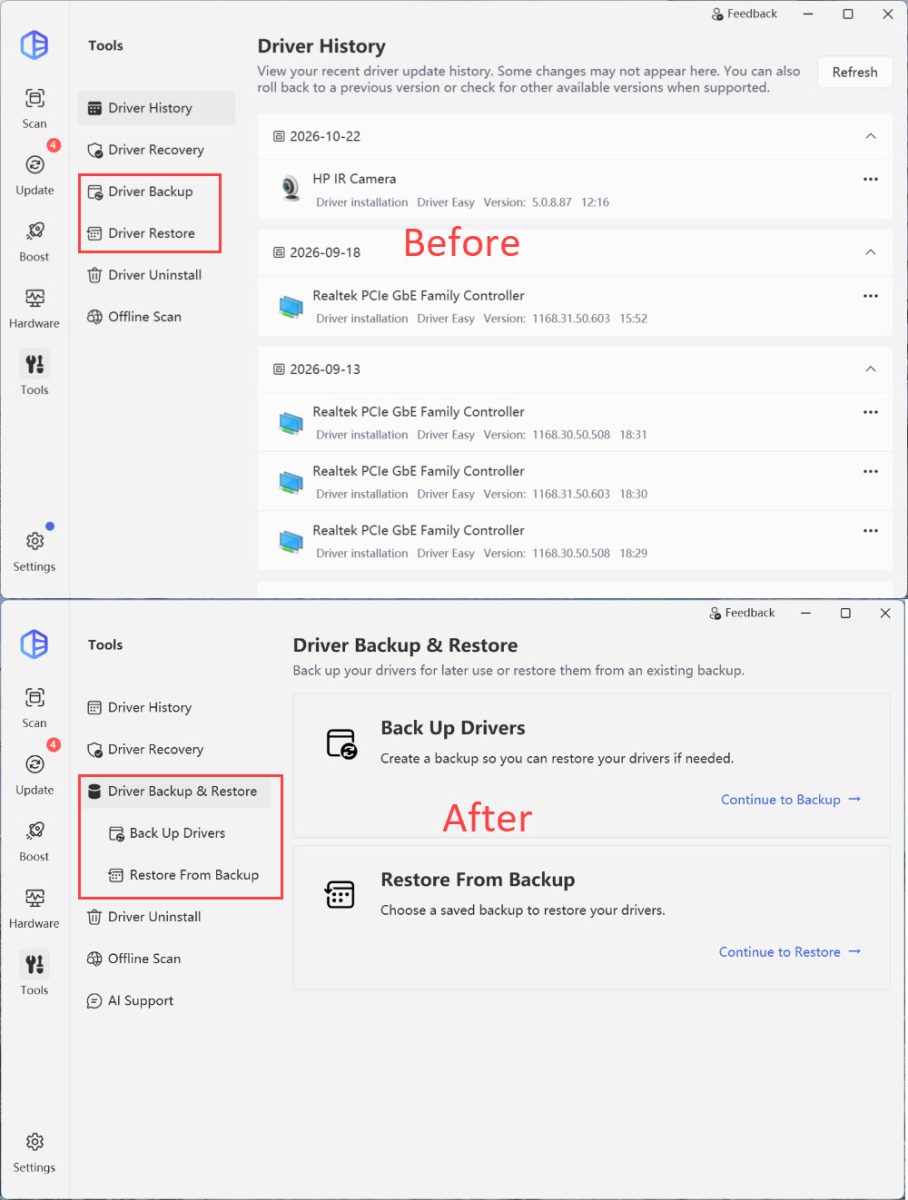
- Menu Cleanup: We combined the Driver Backup and Driver Restore pages into a single, easy-to-navigate menu.
- Game Boost Fix: Fixed a bug where system settings wouldn’t restore properly after you exited Game Boost.
- Clearer Prompts: Improved the error messages for license activation connections, download failures, and disconnected printers, so it’s easier to know what went wrong.
- Minor Fixes: Improved driver restore compatibility and fixed localization errors in the right-click context menu.
How to get the update
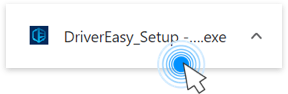
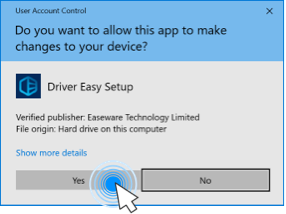
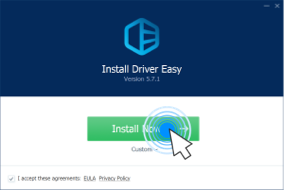
If you already have Driver Easy installed, simply open the app to get the update prompt. Alternatively, you can download the latest installer by clicking here.
Let us know what you think of the new ARM64 support and NVIDIA preferences in the comments below!