If you’re curious about what MSI Afterburner is, you’ve come to the right place. Check the following content and discover what it is and where you can download it.
What is MSI Afterburner?
MSI Afterburner is a software application developed by MSI. It‘s a utility application that allows you to monitor and overclock your GPU. You can view your view the detailed information of your graphics hardware, or adjust the settings of your GPU, such as GPU clock speed, GPU voltage, memory clock speed, fan speed, and more.
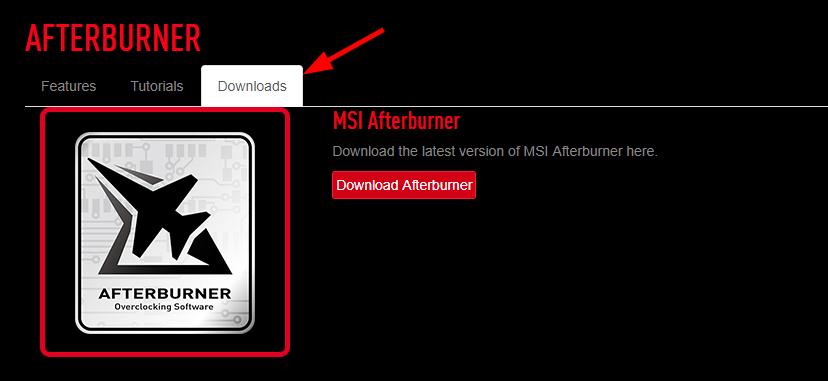
MSI Afterburner is a free application. And although it’s an MSI program, it works on graphics cards from nearly all brands. You can download it on the Afterburner page of the MSI website.
Perhaps you’re going to overclock your GPU with this tool, or you’ve found some issues with your graphics card on it. In these cases, you should update your graphics driver to prevent issues and make sure your hardware is running properly.
If you don’t have the time, patience, or computer skills to update the graphics driver manually, you can do it automatically with Driver Easy.
Driver Easy will automatically recognize your system and find the correct driver for it. You don’t need to know exactly what system your computer is running, you don’t need to risk downloading and installing the wrong driver, and you don’t need to worry about making a mistake when installing.
All it takes is just 2 clicks:
- Download and install Driver Easy.
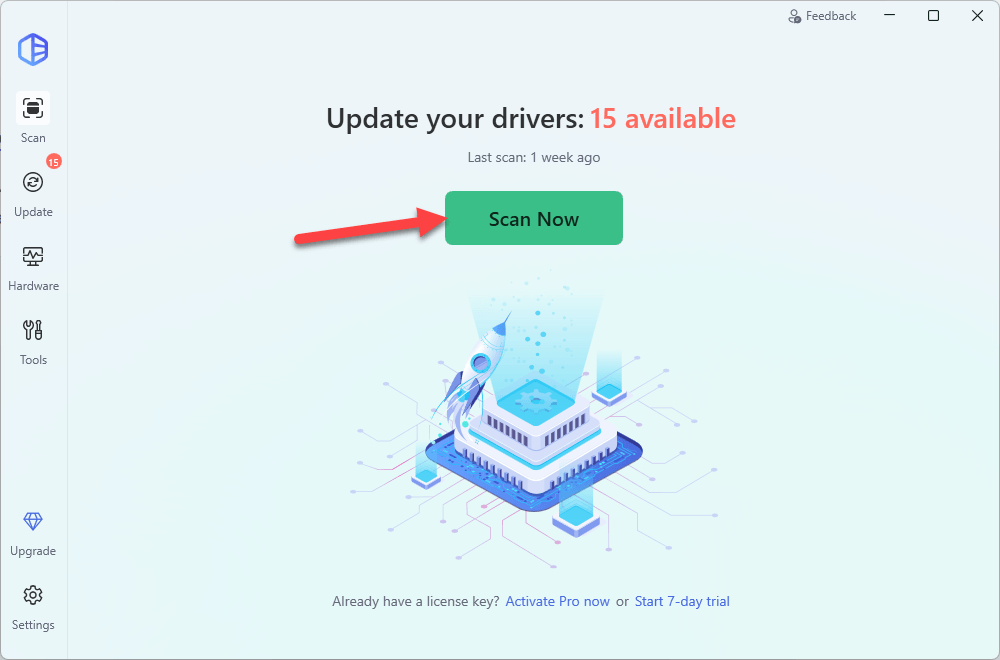
- Run Driver Easy and click the Scan Now button. Driver Easy will then scan your computer and detect any problem driver.
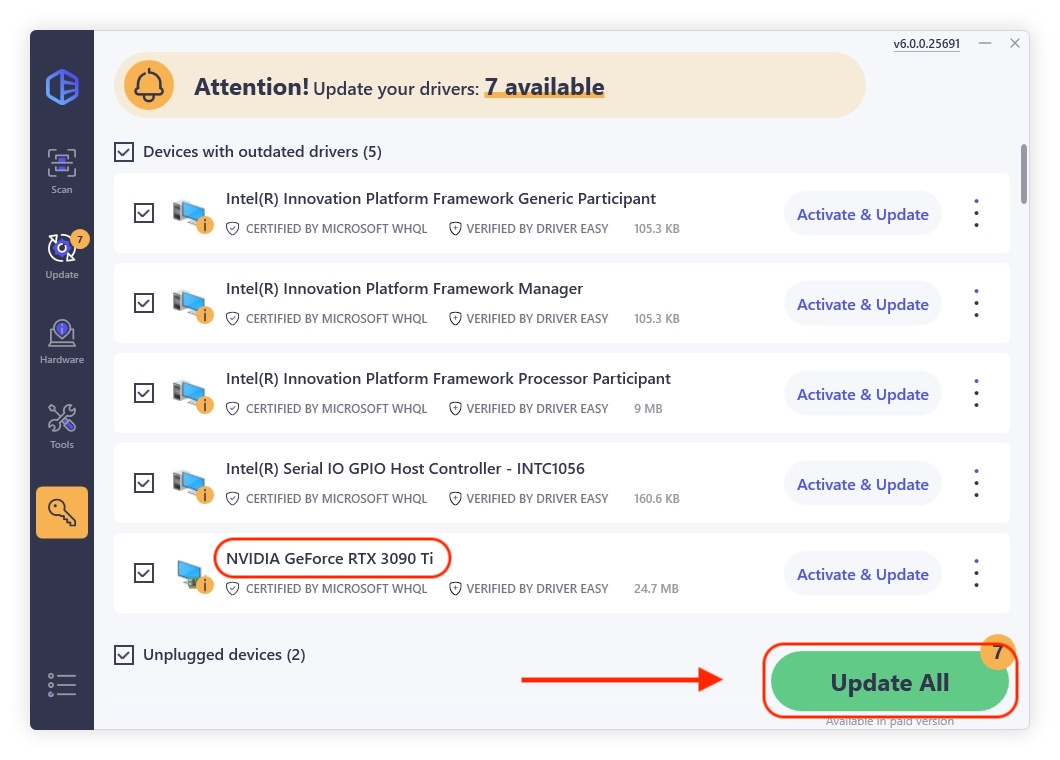
- Check if your graphics driver is flagged in the scan results. If it is, click Activate & Update to start a 7-day free trial or upgrade to Driver Easy Pro. Either option will automatically download and install the latest graphics driver for you.