






The AMD high definition audio device is for sending sound over HDMI and Display Port connections. Graphics cards that are in the AMD Radeon™ HD, Radeon R9, Radeon R7, Radeon R5 family have built-in support for AMD High Definition Audio. If you have any issues with the driver, check the methods below for quick driver updates.
Method 1: Download the AMD Catalyst™ software suite
Go to www.amd.com/drivers, and download the package containing the driver for the AMD High Definition Audio Device.
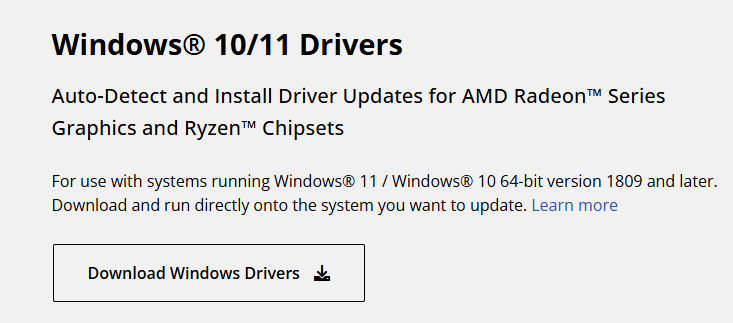
Run the program and update the driver as instructed.
Method 2: Update through Device Manager.
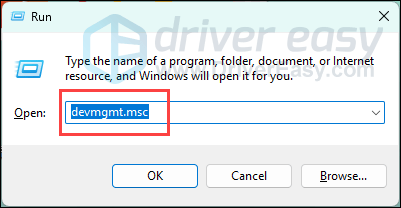
1. Go to Device Manager by pressing Win+R together to open the Run dialog, and enter devmgmt.msc.
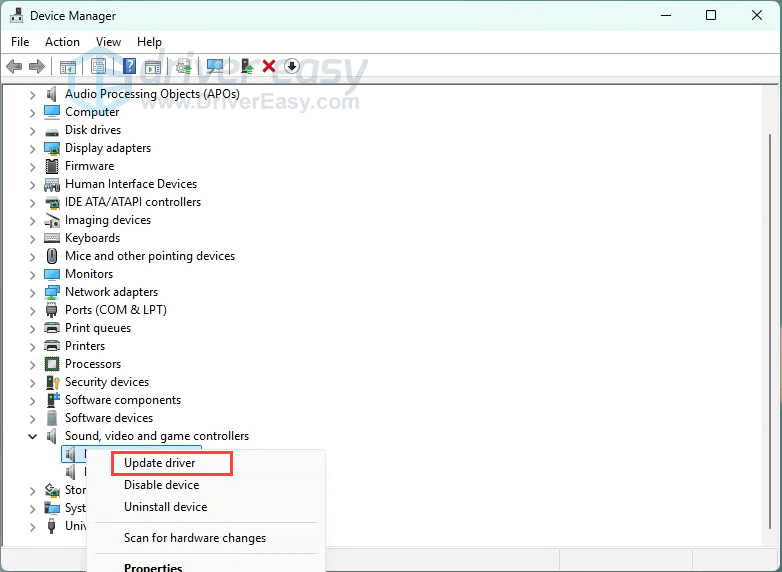
2. Look for your audio device in the list, right-click on it, and then select Update driver in the popup menu.
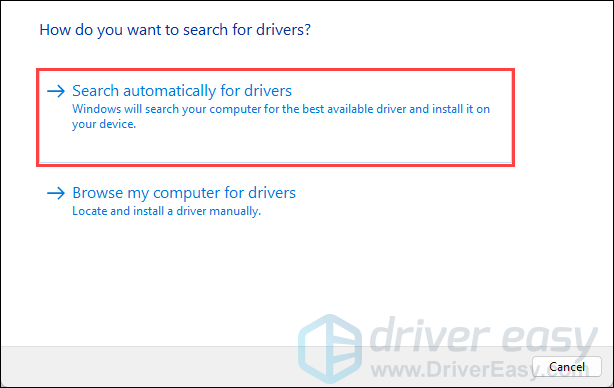
3. Select Search automatically for drivers. Follow the instructions and finish the process.
Note that updating through Device Manager isn’t as efficient as we would usually expect. Often, it may not be possible to find the driver software, and the process can be time-consuming and somewhat confusing.
Or you can try Driver Easy for free today with a 7-day free trial. It simply installs updates and fixes driver issues for you automatically with a few clicks, and therefore, you no longer have to deal with any driver problems as you upgrade or downgrade to another OS.
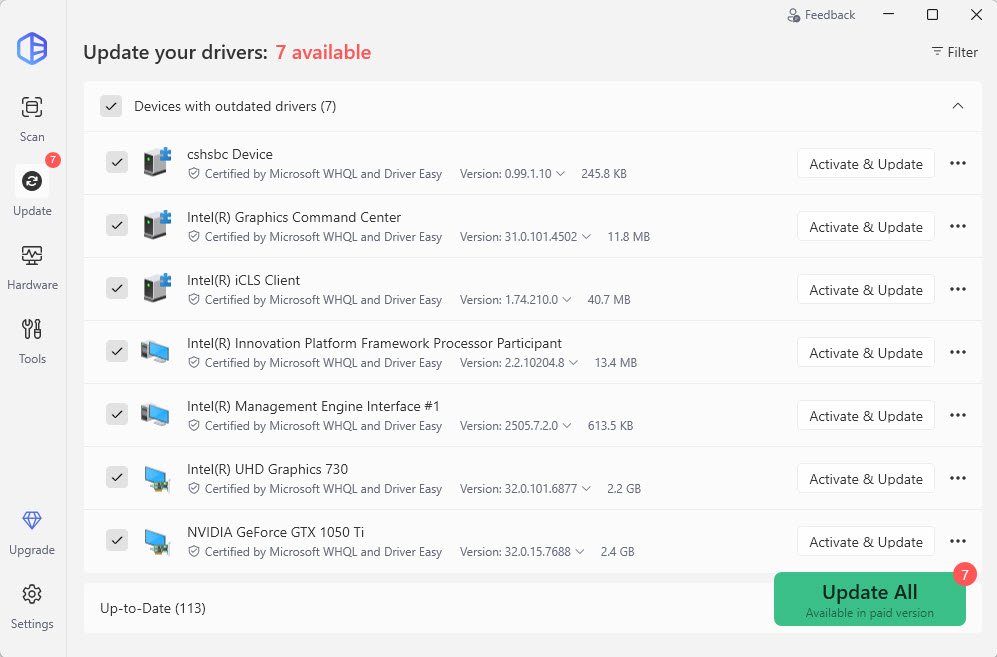
We also offer a 30-day money-back guarantee for the PRO version. Try today!
If you still don’t get the sound working after you update the driver successfully, then maybe you haven’t enabled the AMD HD sound device properly, refer to this post for a possible solution.


