






What are the major changes in Build 15031?
– Whole new compact overlay window. This features allows you to do tasks that don’t require full attention simultaneously. For example, you can browse your websites while at the same time monitor the video chat window at the corner of the screen. The compact overlay windows work just like normal windows without interfering others.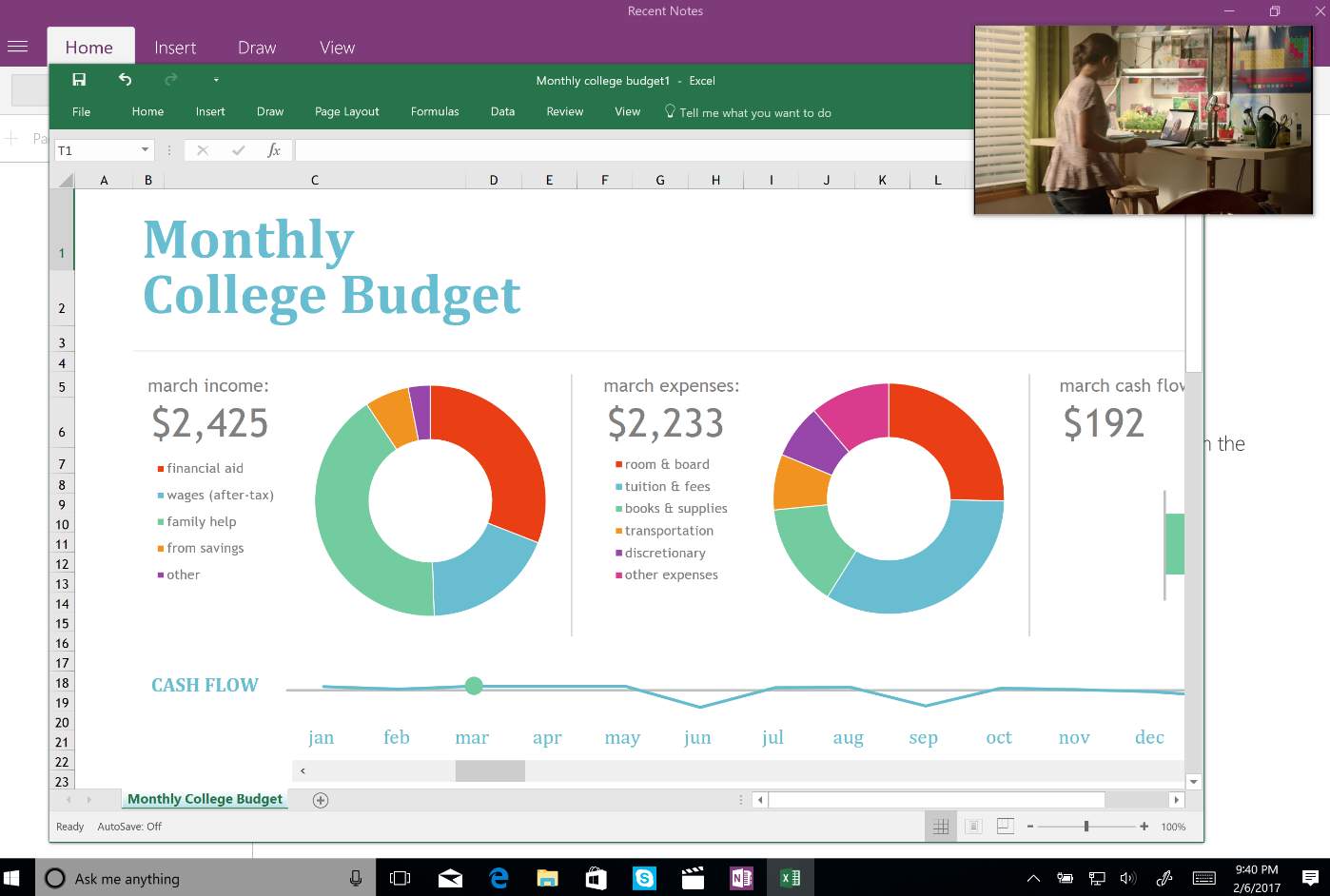
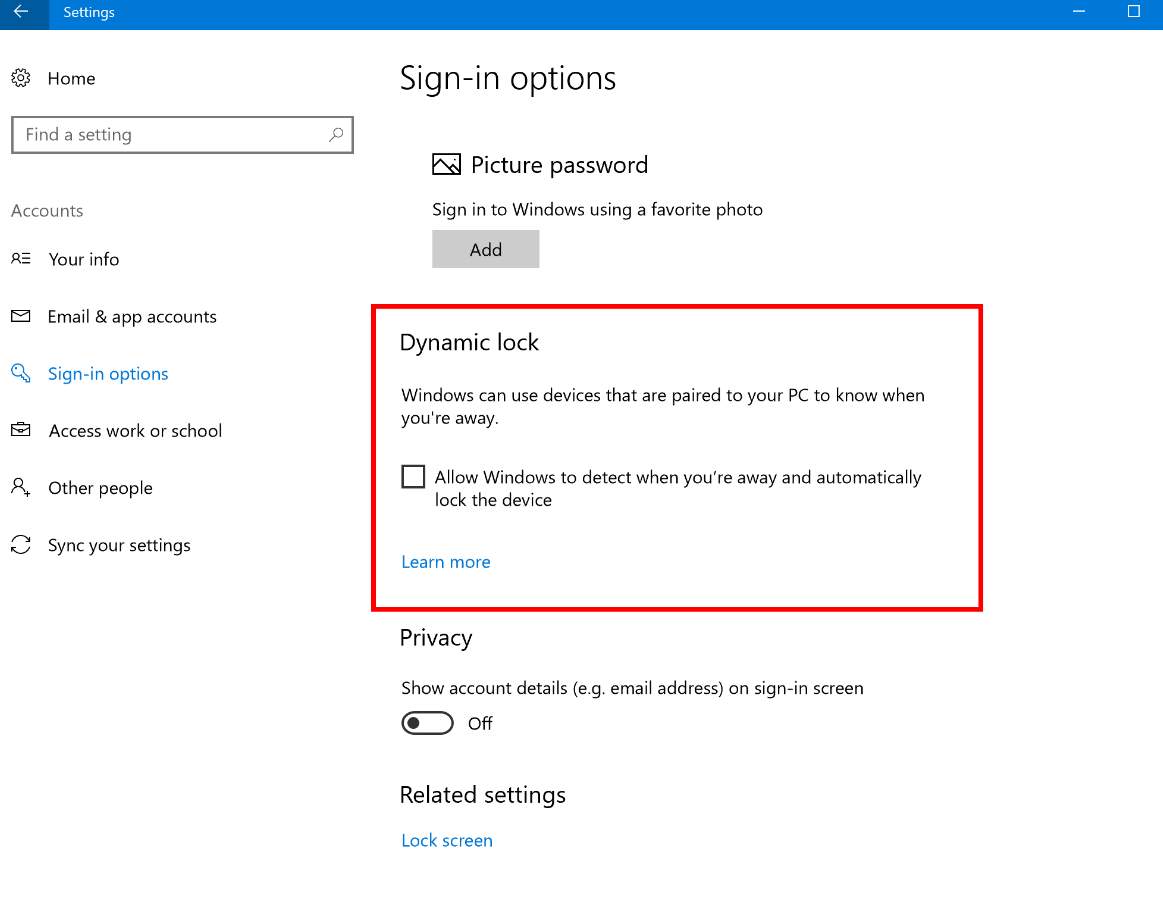 – Whole new Share icon.
 – Game Bar improved full-screen support. Build 15031 has added support for 52 additional games in full-screen mode with Windows game bar. Press Windows key and G key at the same time to invoke Game Bar!
Other major changes and fixes
– Updated OOBE so that it skips the introduction of Cortana when there is no audio out devices detected.
– Improved gesture recognition for 3-finger swipes on precision touchpads.
– Fixed Cortana Background Task Host might using unusually high amount of CPU.
– Fixed problem that caused Tencent apps and games to crash or not working.
– Fixed audio no sound when Start menu is opened after a SpeechRuntime.exe crash.
– Fixed screen shot won’t be taken when using Win + Shift + S keys combination.
– Files with the name GLOB (0xXXXXXX) won’t be found in the system root directory after upgrading.
Related post:
Windows 10 Creators Update Issues: Initializing…, no sound and others [Fixed]
– Game Bar improved full-screen support. Build 15031 has added support for 52 additional games in full-screen mode with Windows game bar. Press Windows key and G key at the same time to invoke Game Bar!
Other major changes and fixes
– Updated OOBE so that it skips the introduction of Cortana when there is no audio out devices detected.
– Improved gesture recognition for 3-finger swipes on precision touchpads.
– Fixed Cortana Background Task Host might using unusually high amount of CPU.
– Fixed problem that caused Tencent apps and games to crash or not working.
– Fixed audio no sound when Start menu is opened after a SpeechRuntime.exe crash.
– Fixed screen shot won’t be taken when using Win + Shift + S keys combination.
– Files with the name GLOB (0xXXXXXX) won’t be found in the system root directory after upgrading.
Related post:
Windows 10 Creators Update Issues: Initializing…, no sound and others [Fixed]
1 Comment
Most Voted
