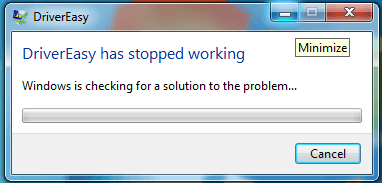
To run Driver Easy successfully on Windows, your system requires the correct version of the .net framework installed. If you run into this error, please install the correct version of the .net framework.
If your PC is running Windows 7, 8, 8.1, 10, install .Net Framework version 4.6.1 or later version.
If your PC is running Windows XP, install version 4.0.
If you need further assistance regarding the issue, you’re more than welcome to send feedback to us via the Driver Easy Feedback tool. Here is how to do it:
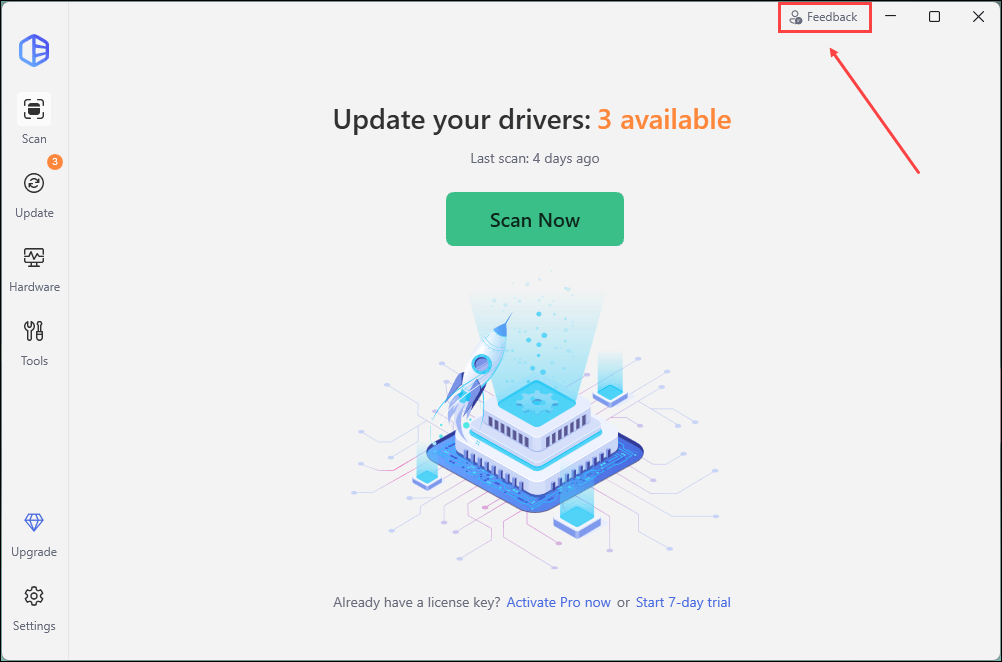
1) Open Driver Easy and click Feedback in the upper-right corner.
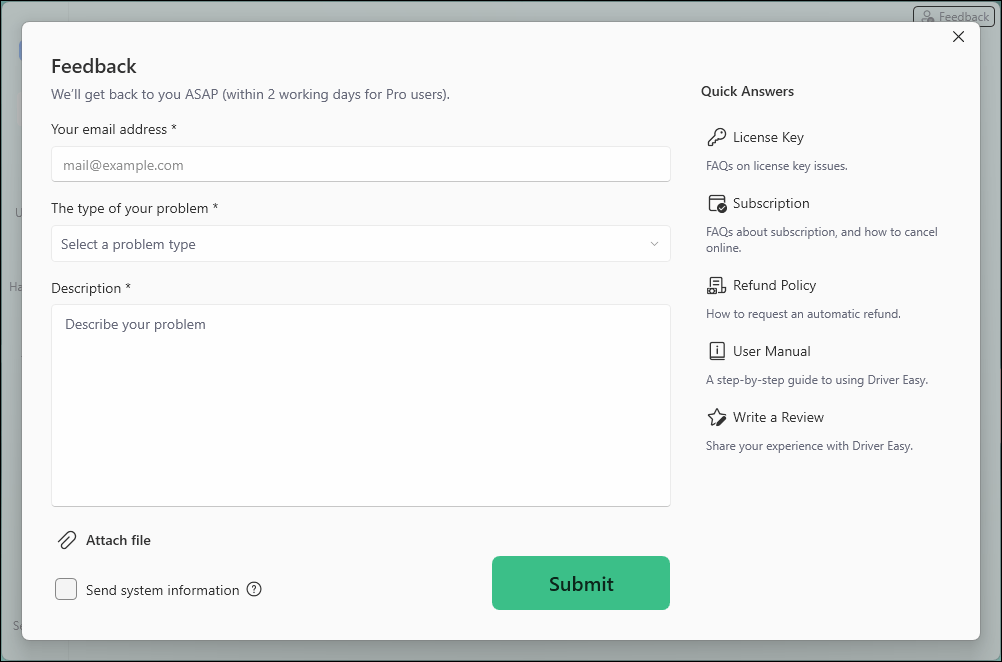
2) Fill in the form. Please tell us what problem(s) you’re having with Driver Easy and what you did before and after the problem in detail.
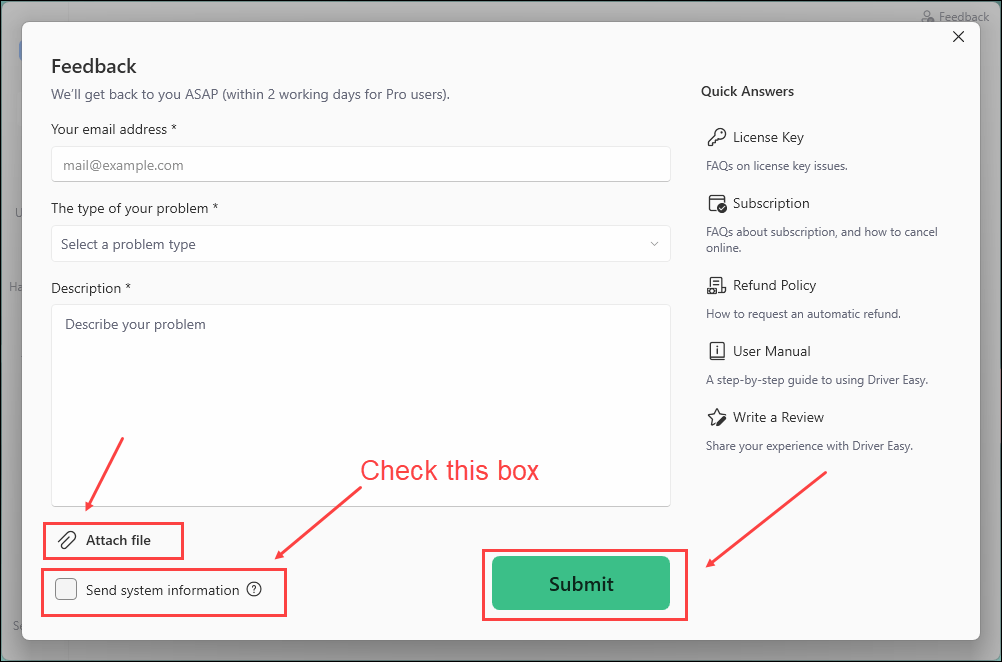
3) If you got any error message or had technical problem, a screenshot of the error and your system information would be greatly appreciated. You can check the box Send system information and click Attach file to upload the screenshot. Click Submit to send your feedback to us.