
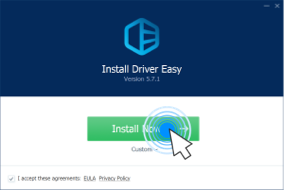


You can view the hardware information of your computer with Driver Easy. Here is how to do it:
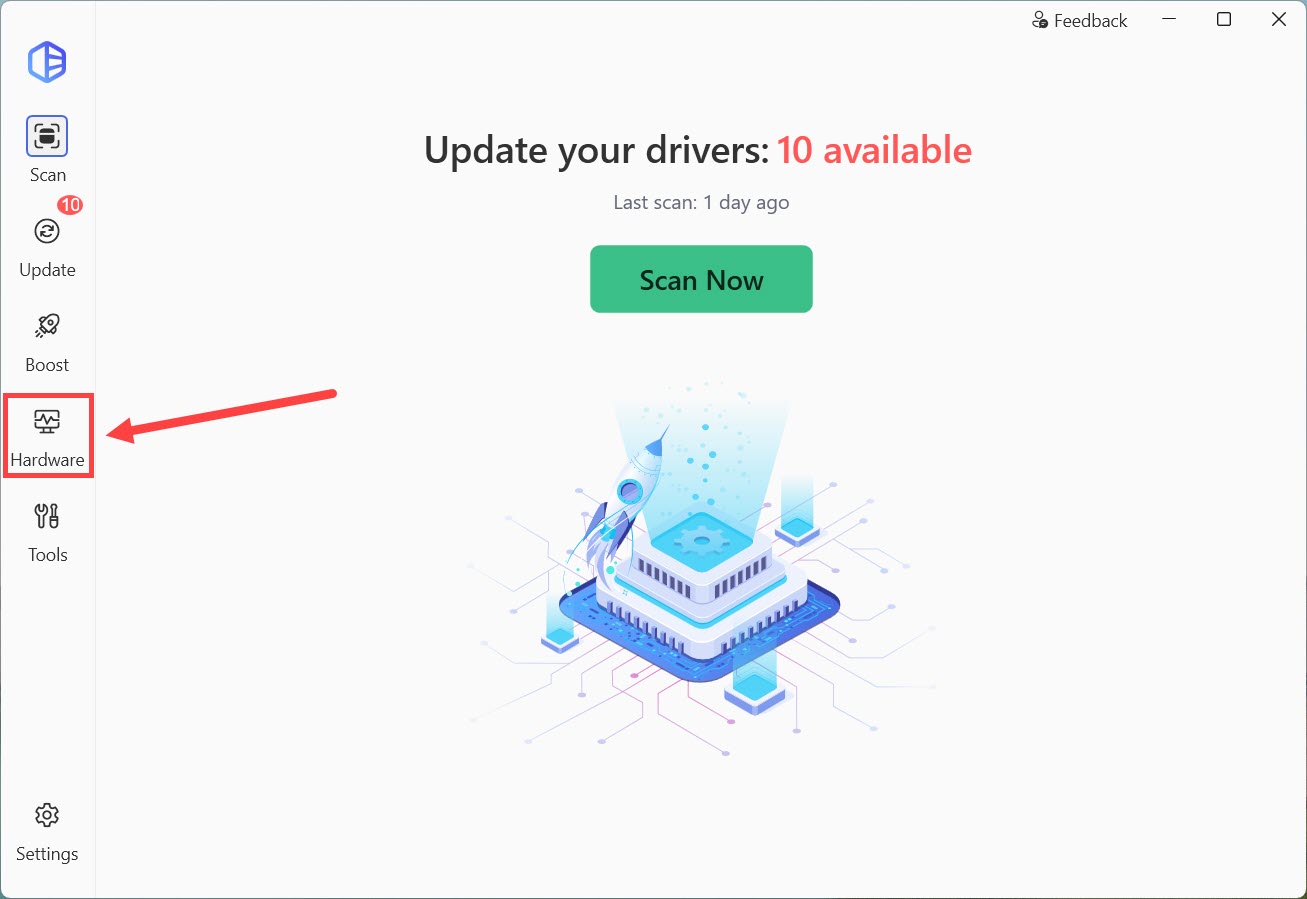
1) Run Driver Easy, then click Hardware.
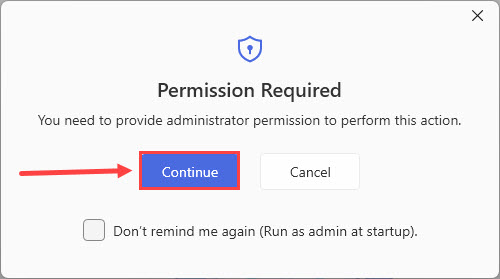
2) Click Continue.
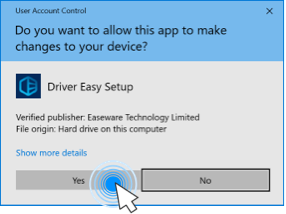
3) Click Yes if prompted by User Account Control.

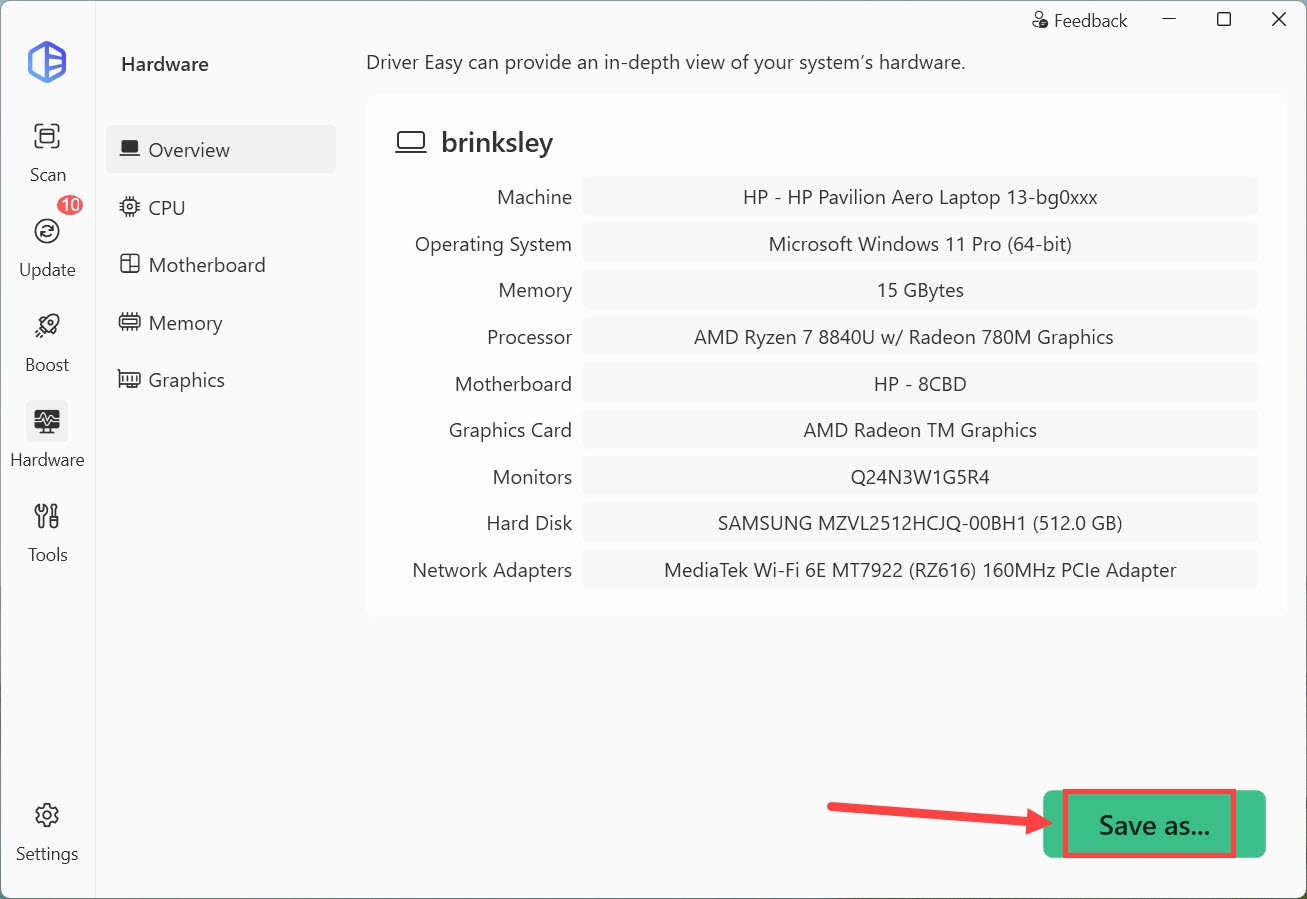
Now you can view the detailed information about your hardware components, including your CPU, motherboard, RAM and graphics card. You can also click Save as… to save the information as a .txt file.