







With the Pro version of Driver Easy, you can uninstall drivers easily! To uninstall a driver using Driver Easy, just follow the steps below.
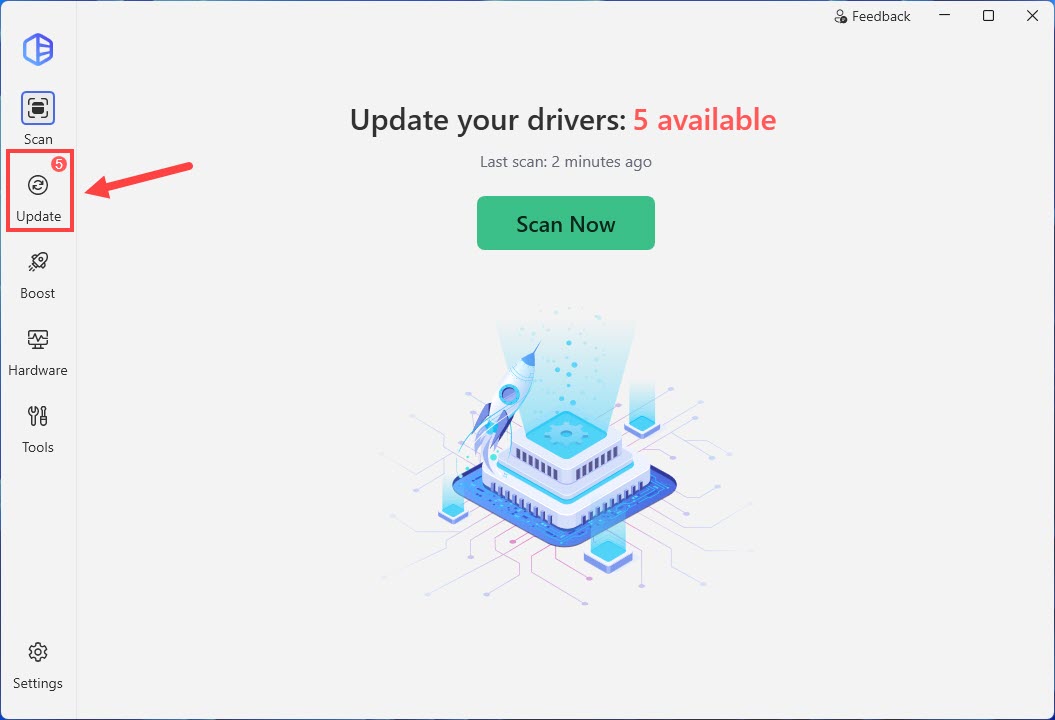
- Launch Driver Easy and click Update in the left panel.
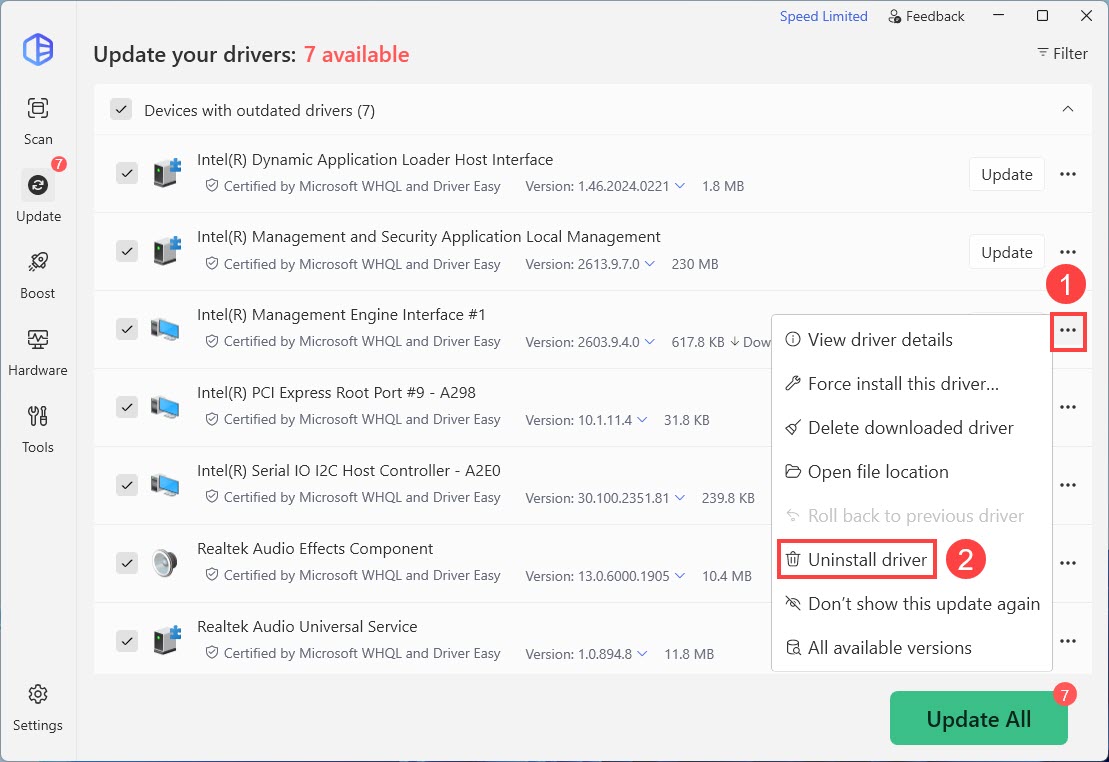
- Click on the ellipsis icon next to the driver want to uninstall and select Uninstall driver.
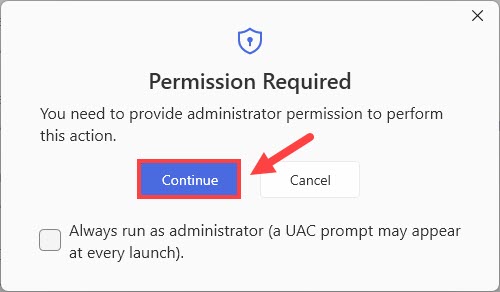
- If you’re prompted for permission, click Continue.
- Click Yes to confirm the uninstall.
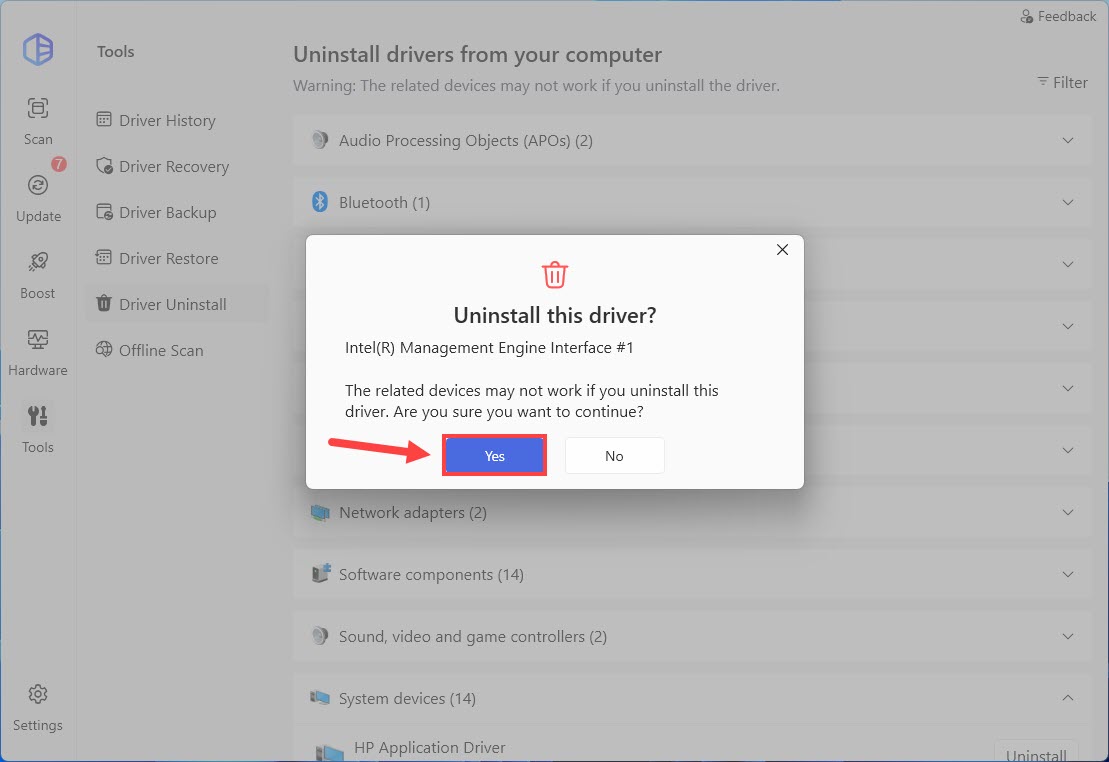
- Now the driver has been successfully uninstalled.