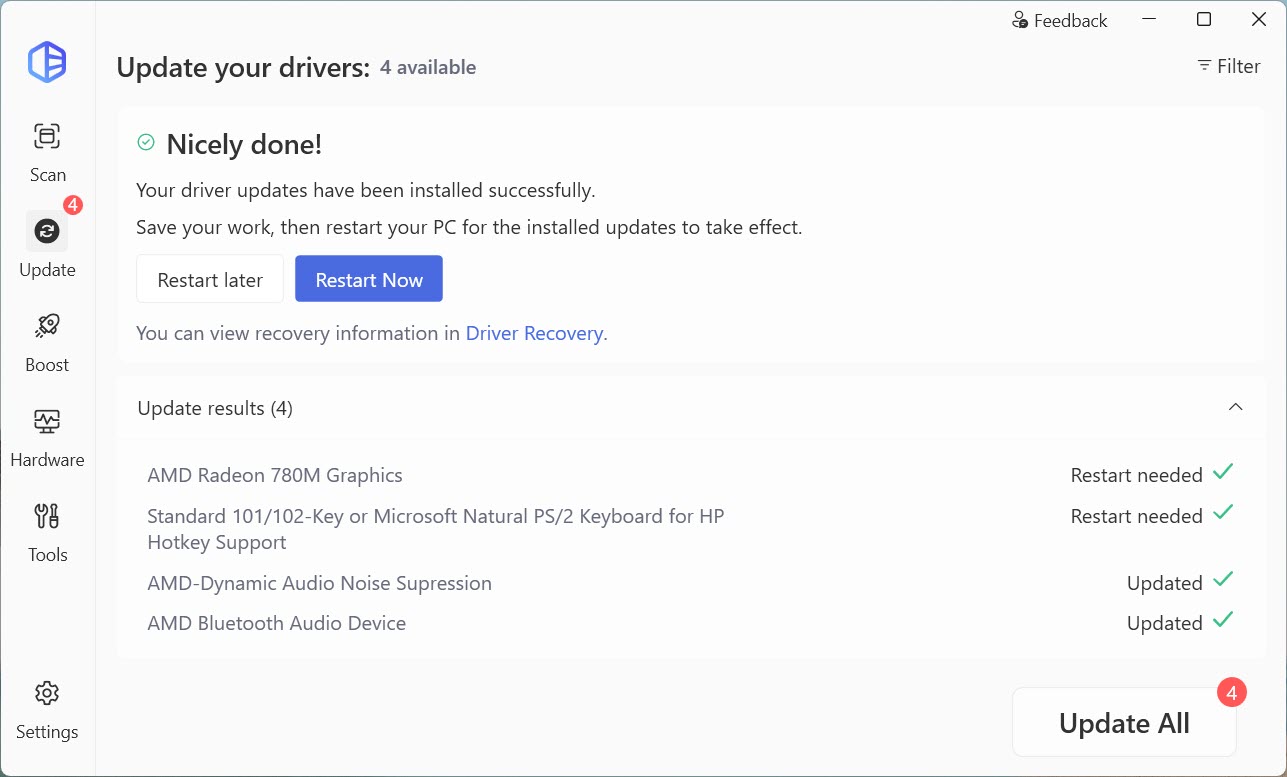
To update drivers with the PRO version of Driver Easy:
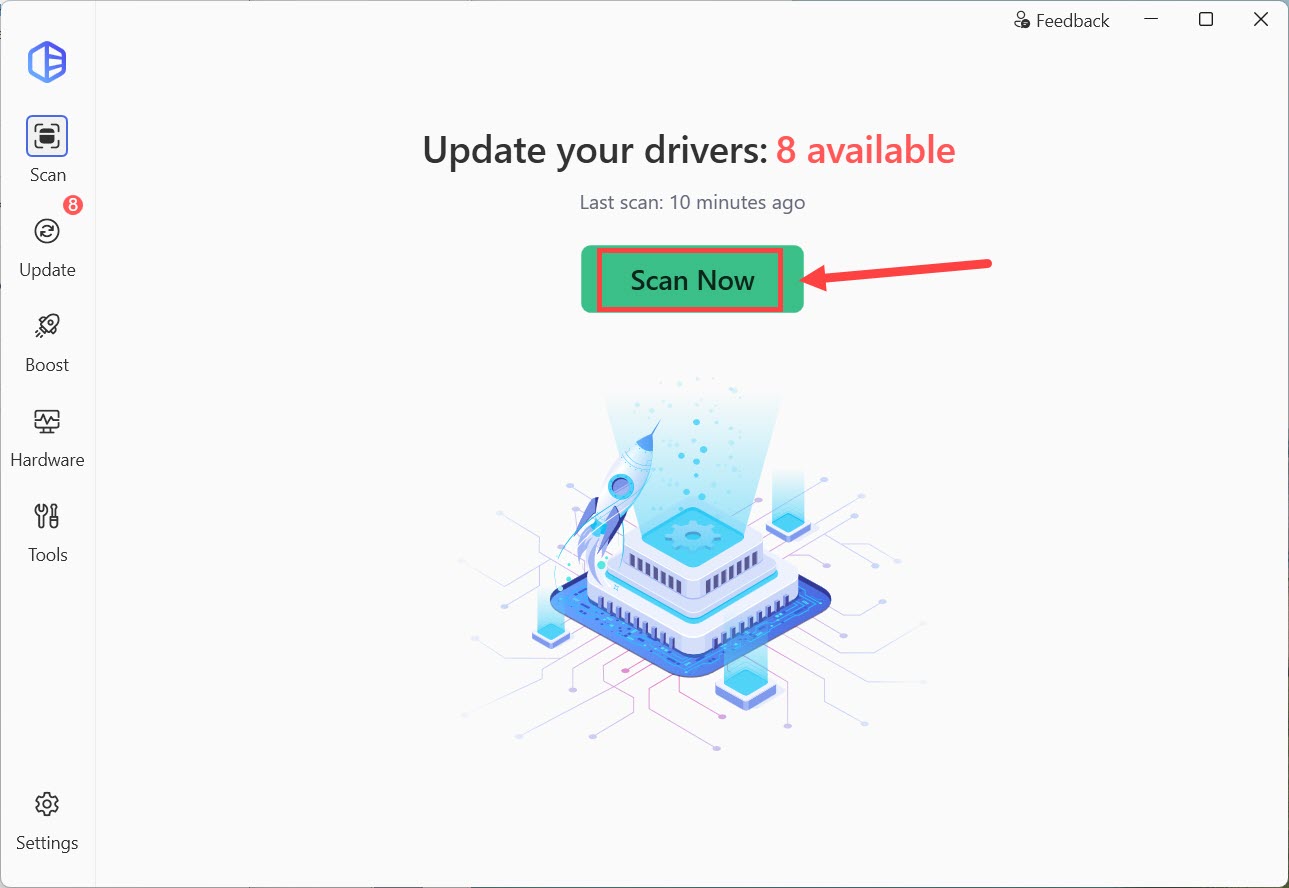
- Use Driver Easy to scan your computer. (Check this instruction for more details on how to scan with Driver Easy.)
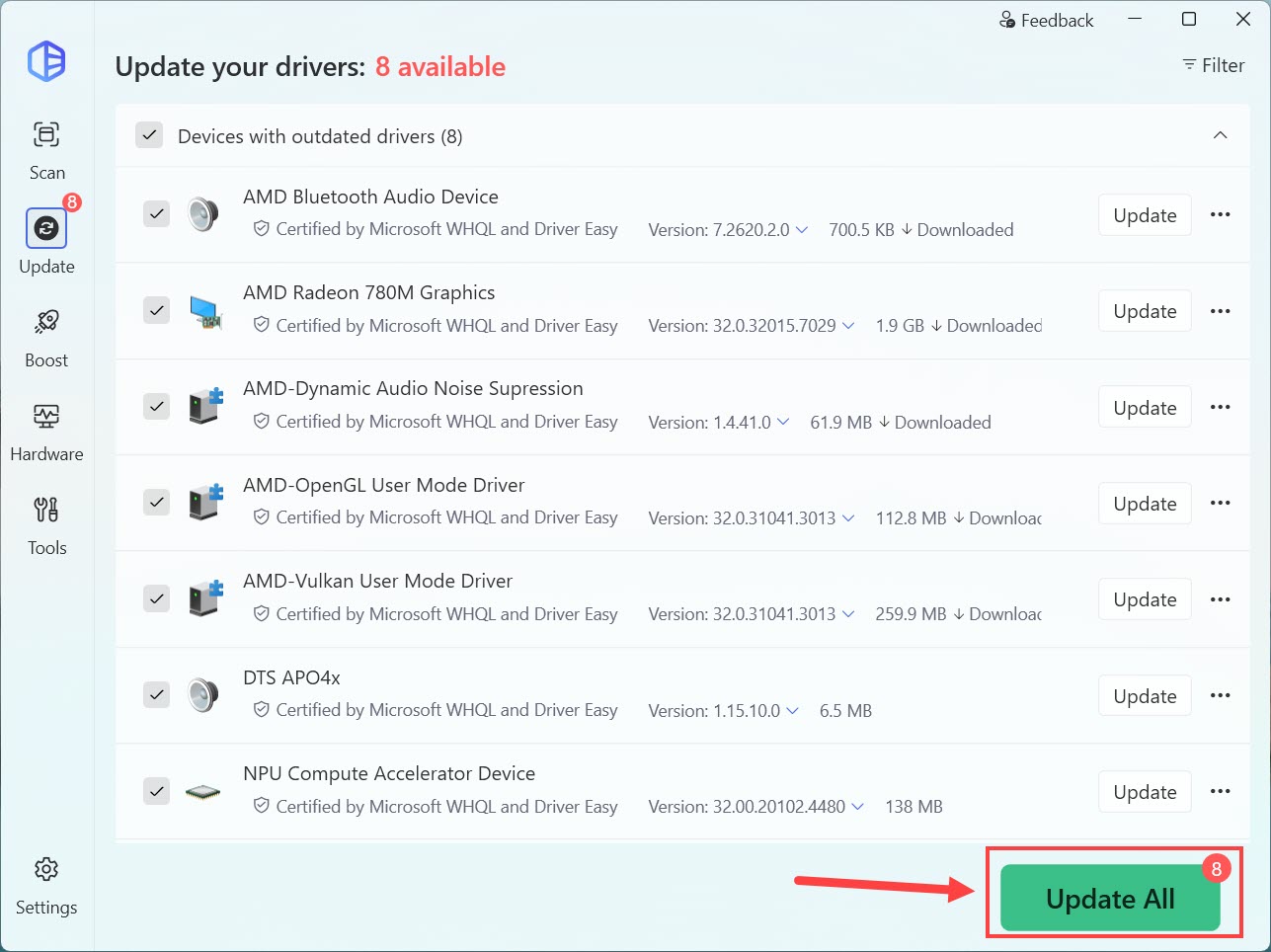
- Click the Update All button to update all your drivers.
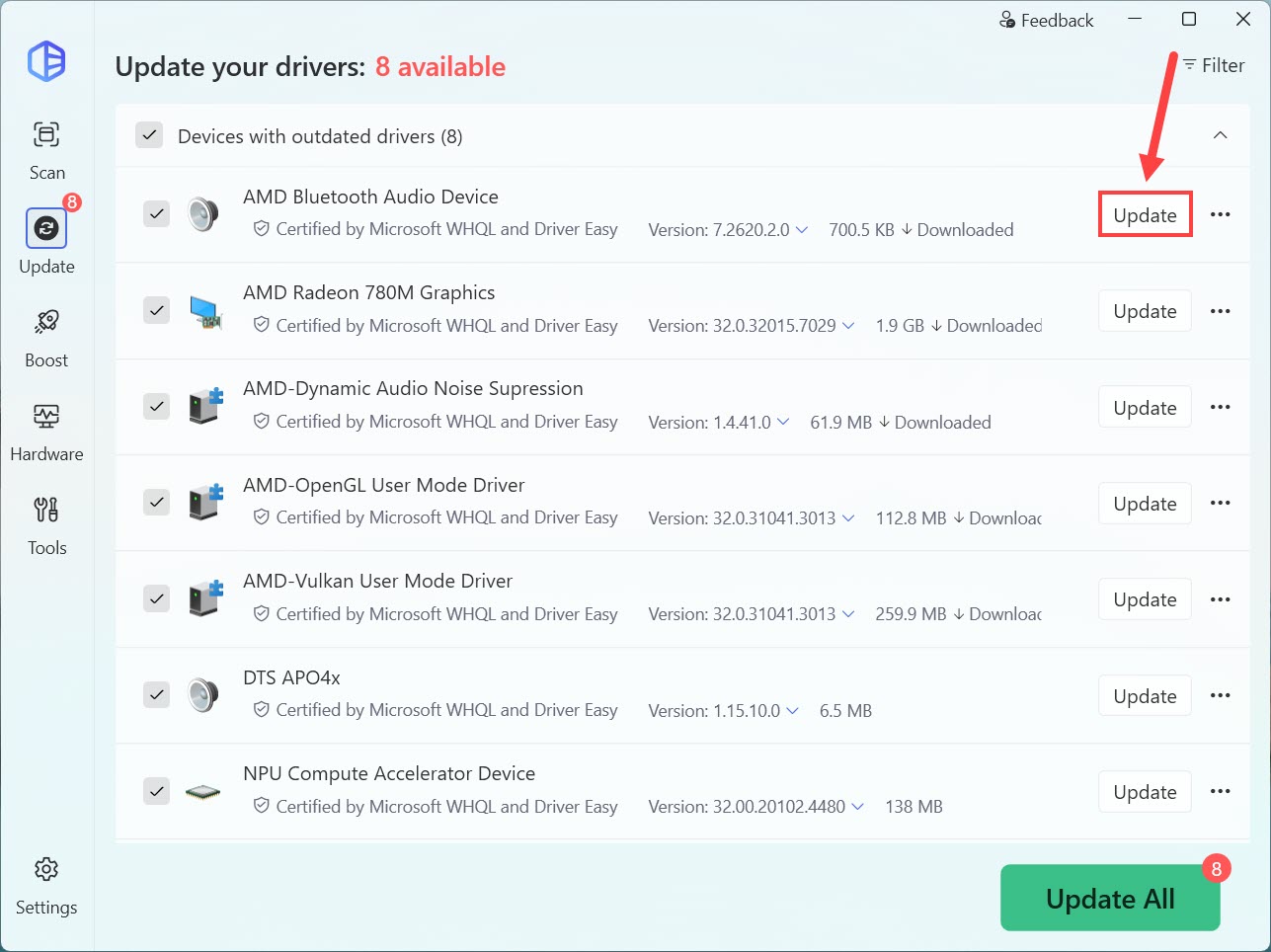
- Or click the Update button next to the driver you’re going to update.
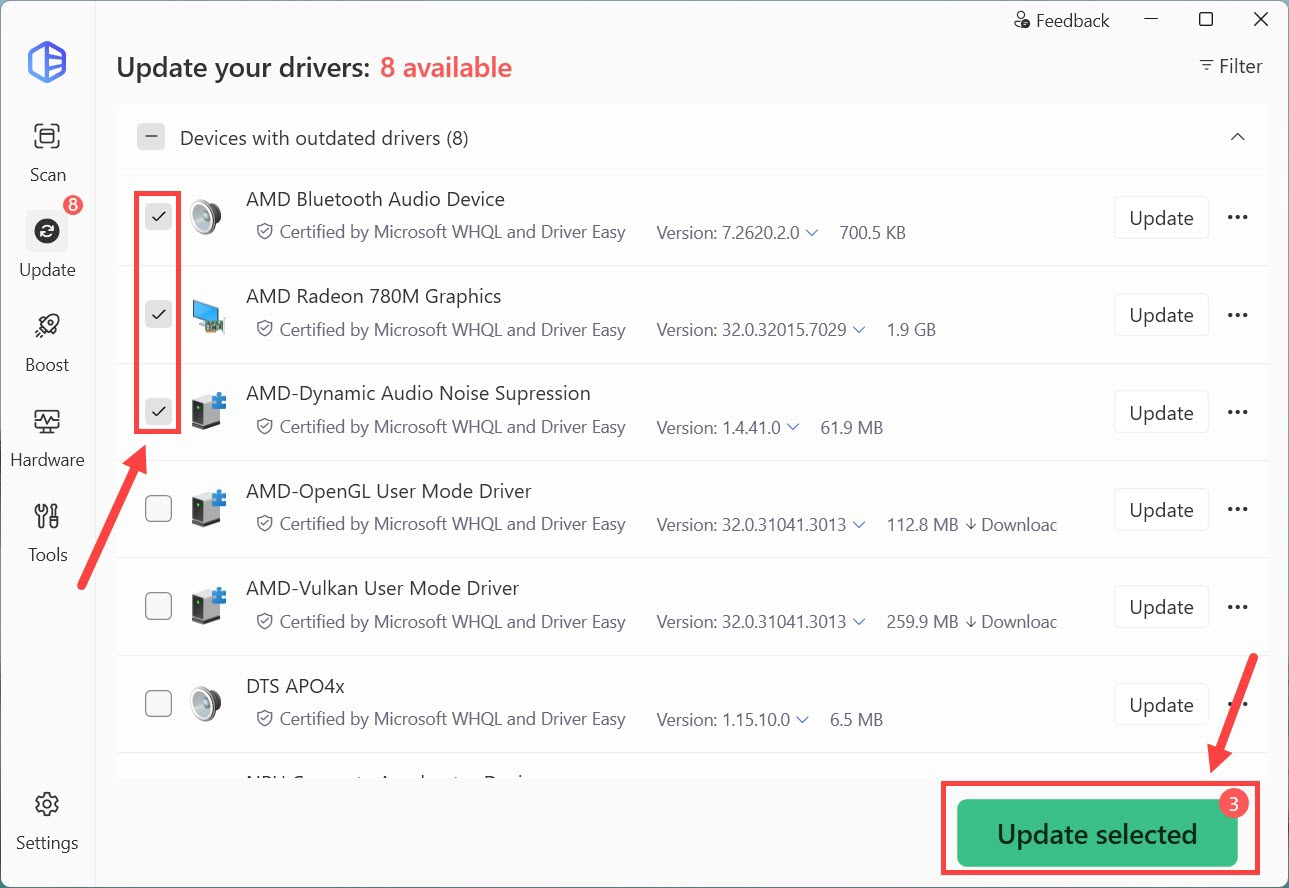
- If you want to update multiple drivers, you can first click Device with outdated drivers to uncheck all drivers in the list, then select the drivers you’re going to update, and click Update Selected.
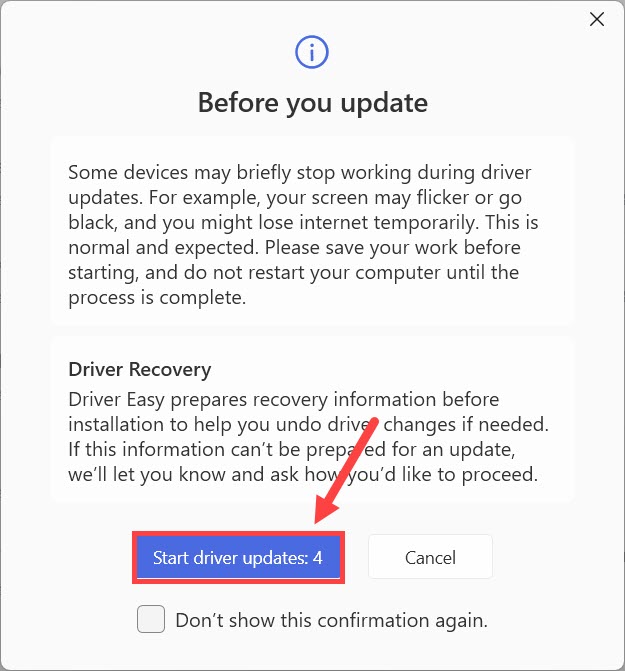
- Click Start driver updates to confirm.
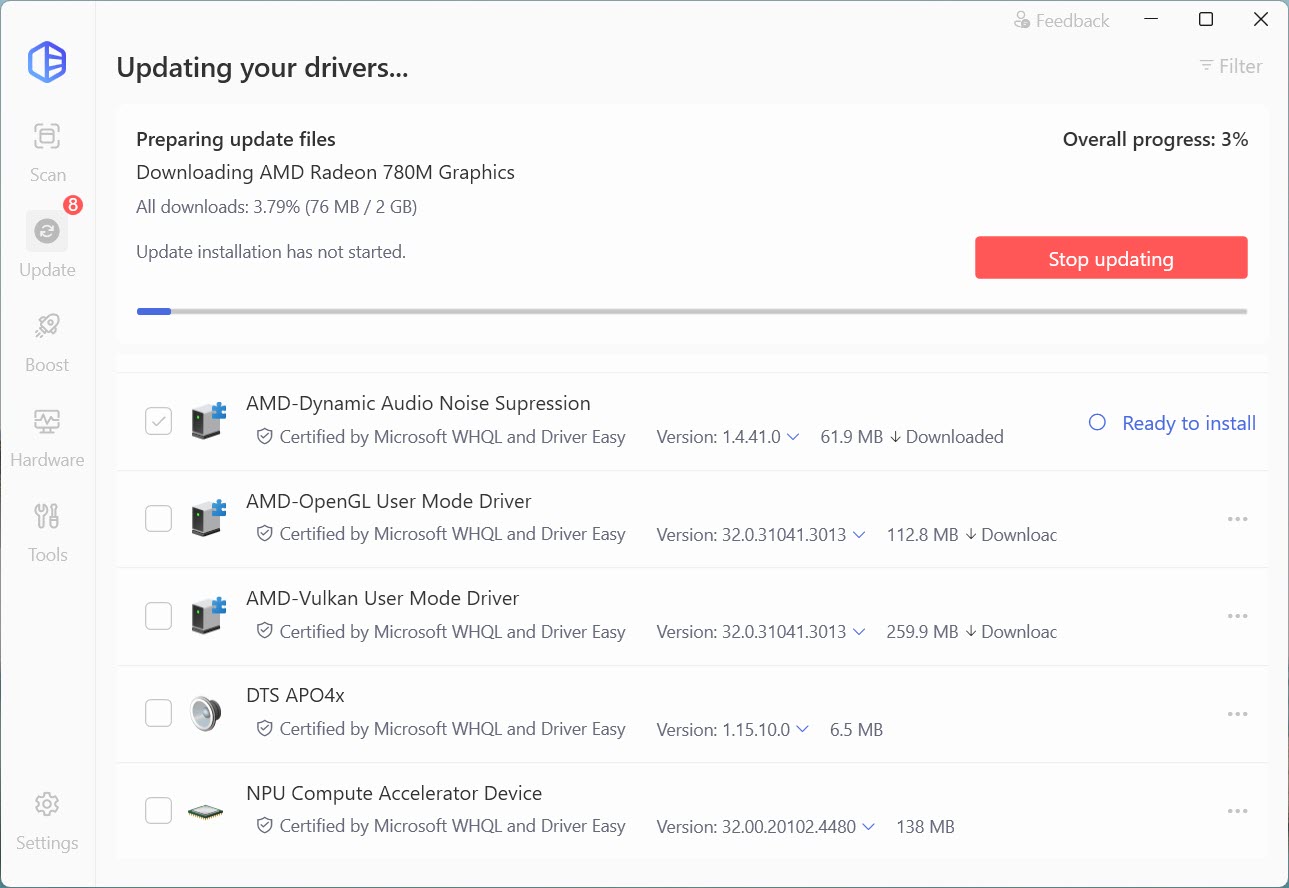
- Wait for the process to complete.
- Once done, the screen will show you the result for each driver. Restart the computer if it’s necessary.