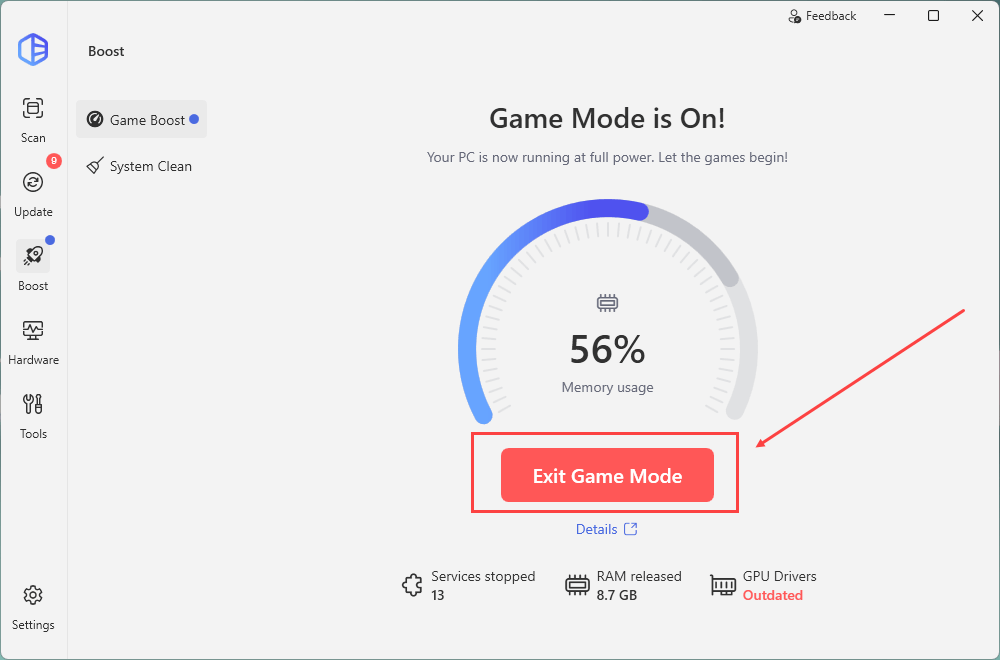
For a smoother, more responsive gaming experience, we are launching the new Game Boost feature.
Game Boost is designed to help users maximize system resources by stopping non-essential services and freeing up vital memory, ensuring your focus remains on the game. Users can fully customize which optimizations are applied.
Please note that enabling certain options may make temporary system changes (e.g., checking the box to disable the Windows Key will make the key unusable while Game Boost is active).
How to use:
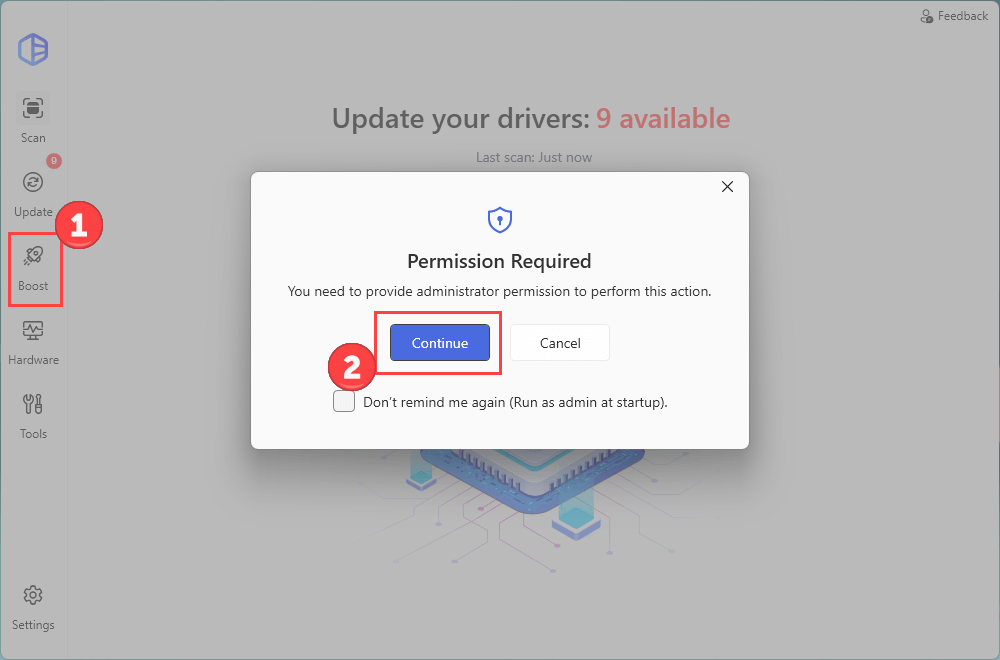
- Launch Driver Easy and navigate to the Boost section in the left panel. Click Continue to grant the administrator permission.
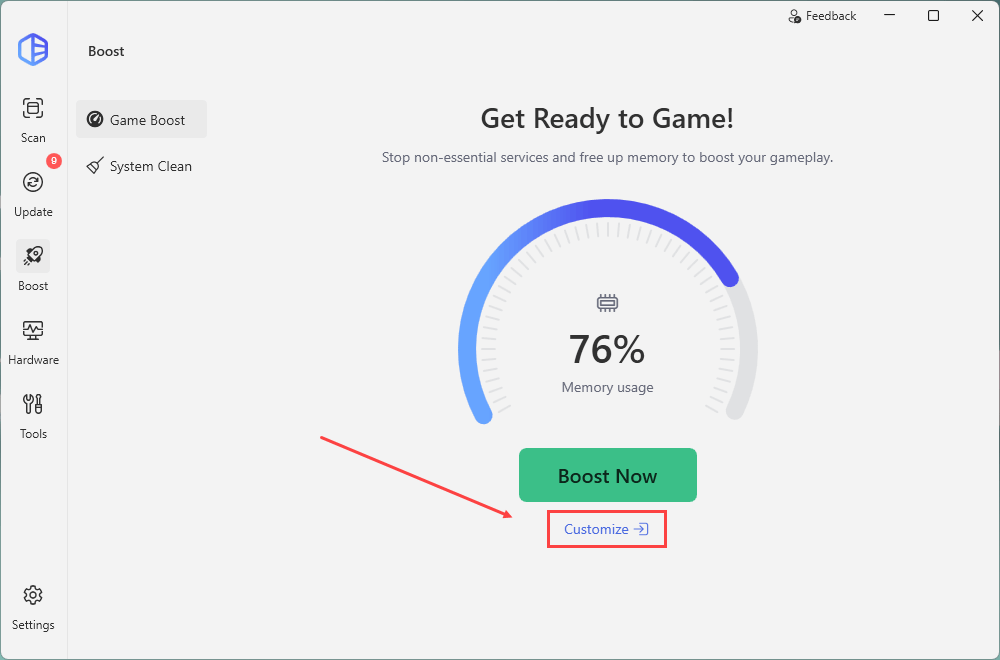
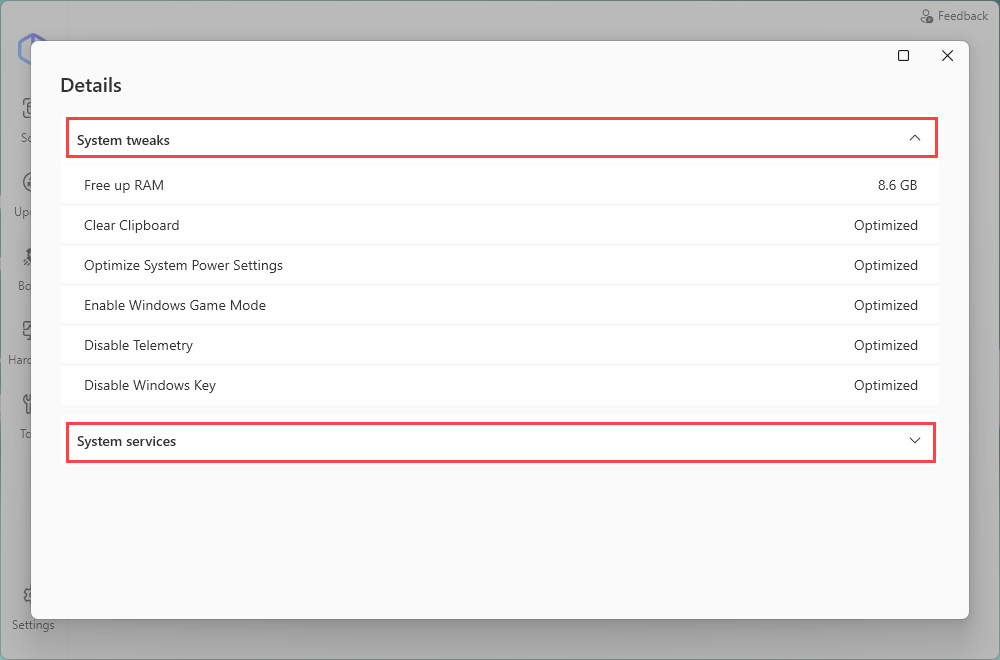
- Click Customize to see the system tweaks that will happen and the system services that will be stopped during the boosting.
- It includes 6 System tweaks and 13 System services. You can uncheck the boxes based on your needs. The change will be saved automatically.
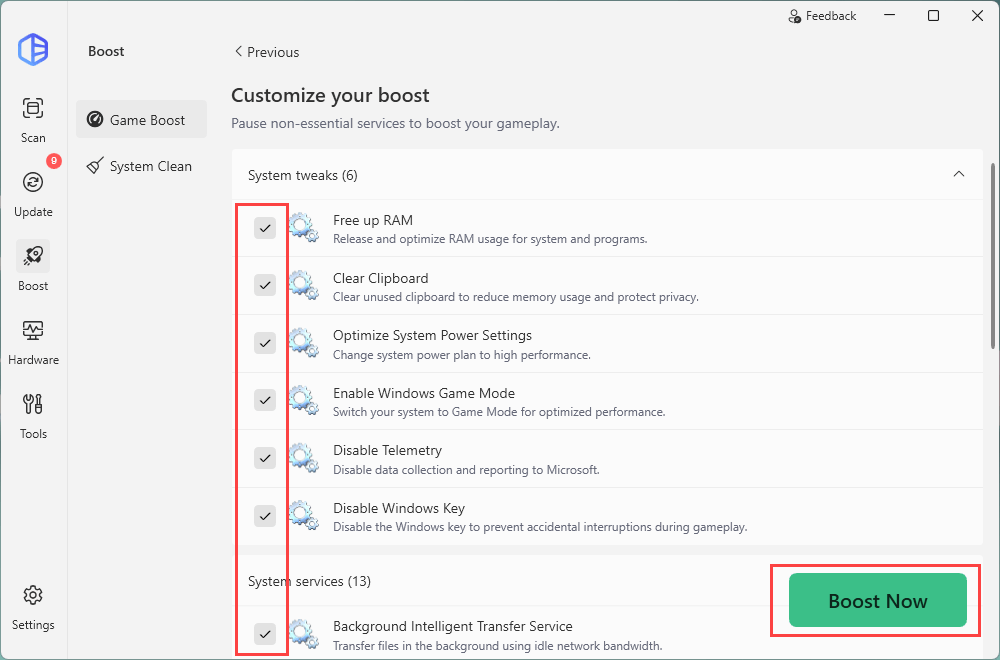
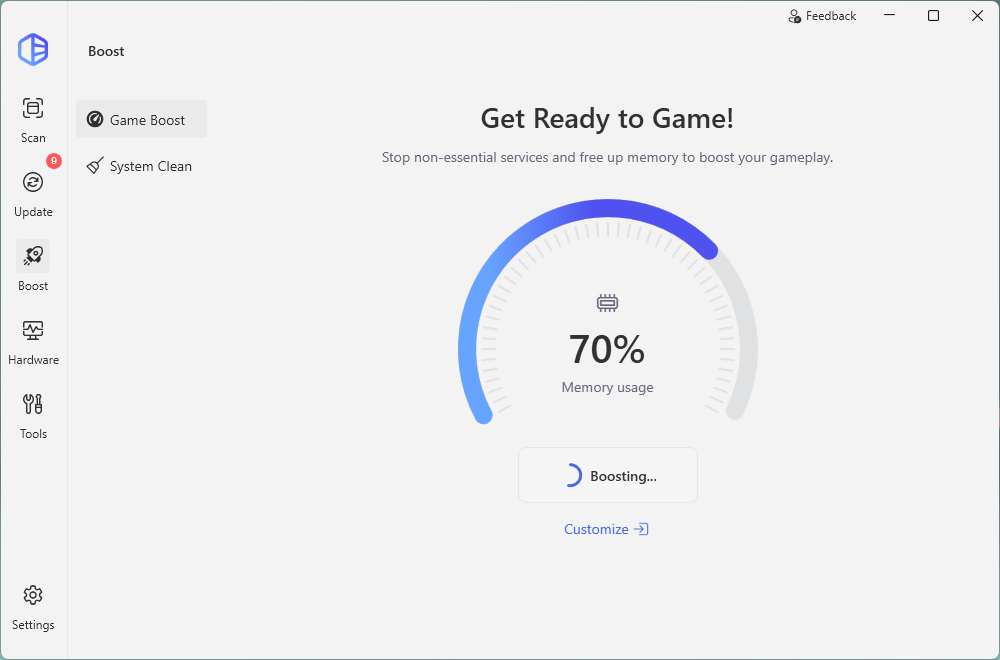
- Click Boost Now to enter the Game Mode.
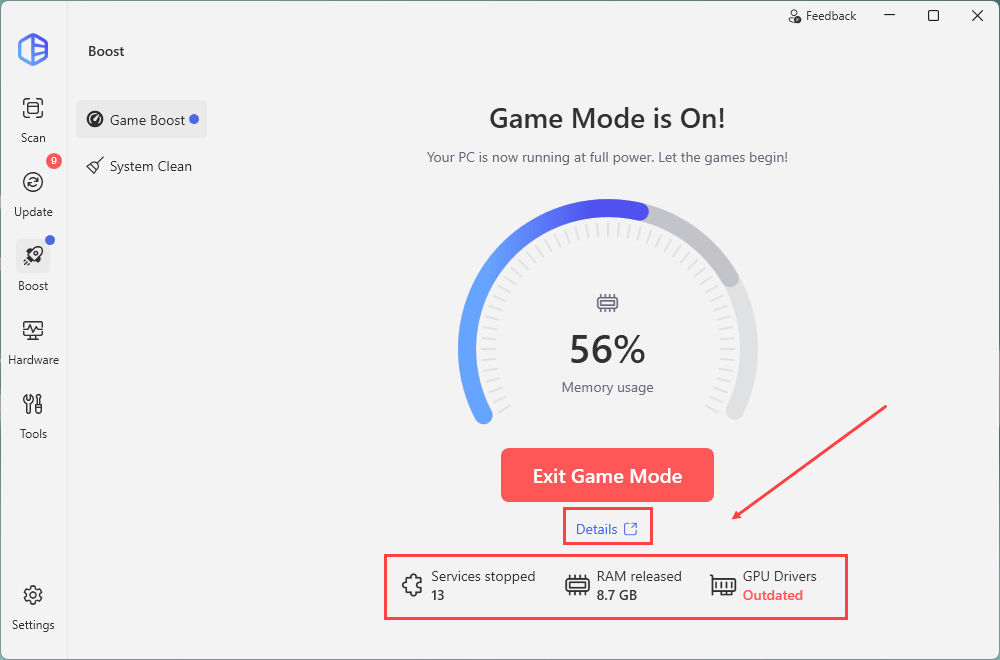
- Click Details or the icons below to view more details about the optimization.
- Here’s an example of the Details. You can expand the list to view more.
- Click Exit Game Mode anytime you want.