You can schedule a scan task so Driver Easy will automatically scan your computer at a certain time. To do so:
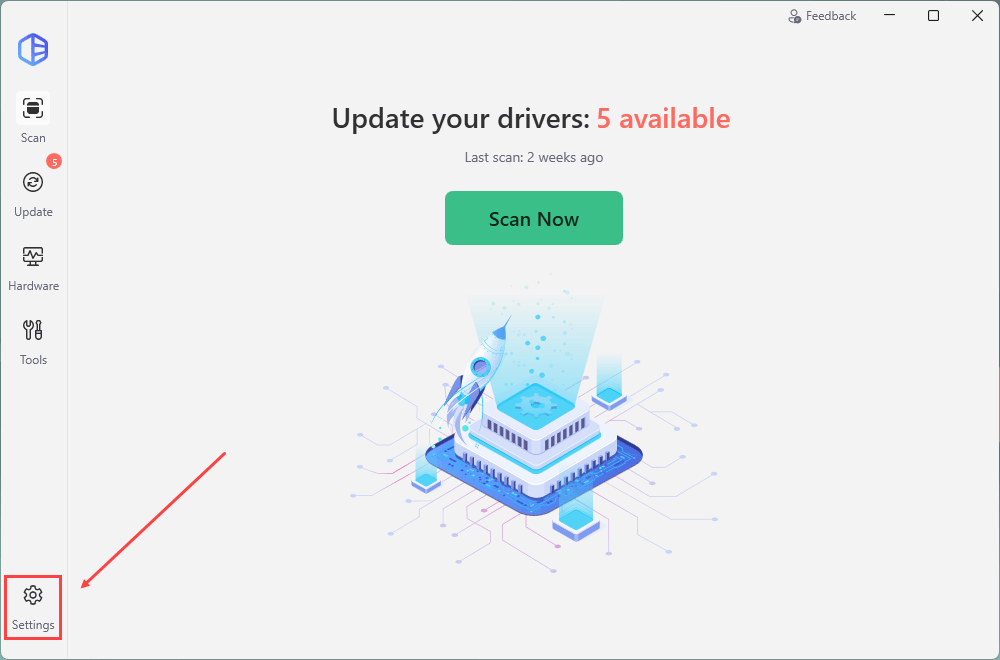
1) Open Driver Easy and click Settings.
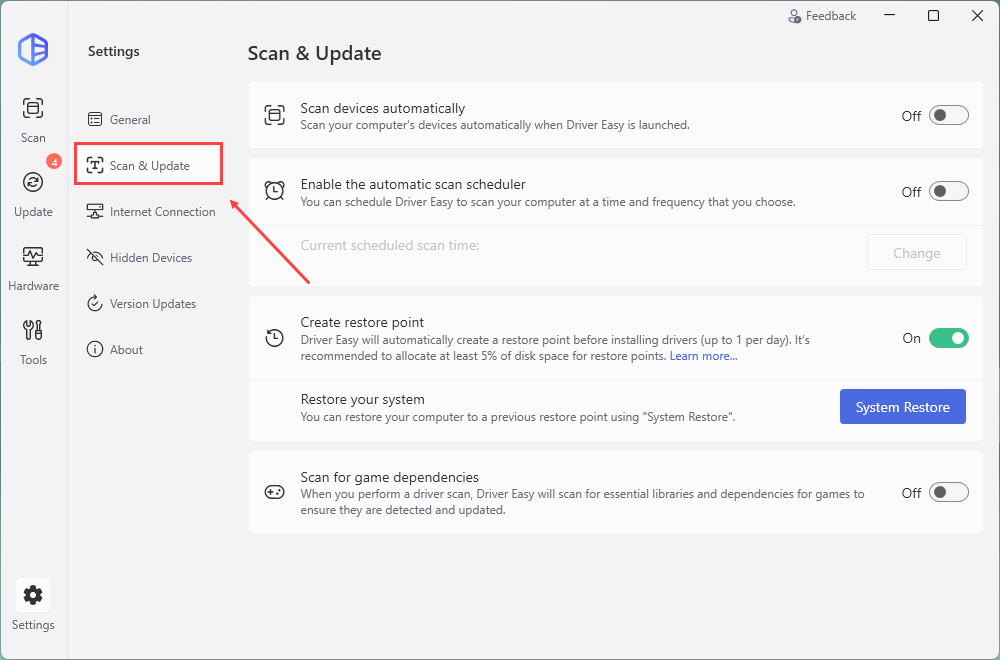
2) Click Scan & Update from the left pane.
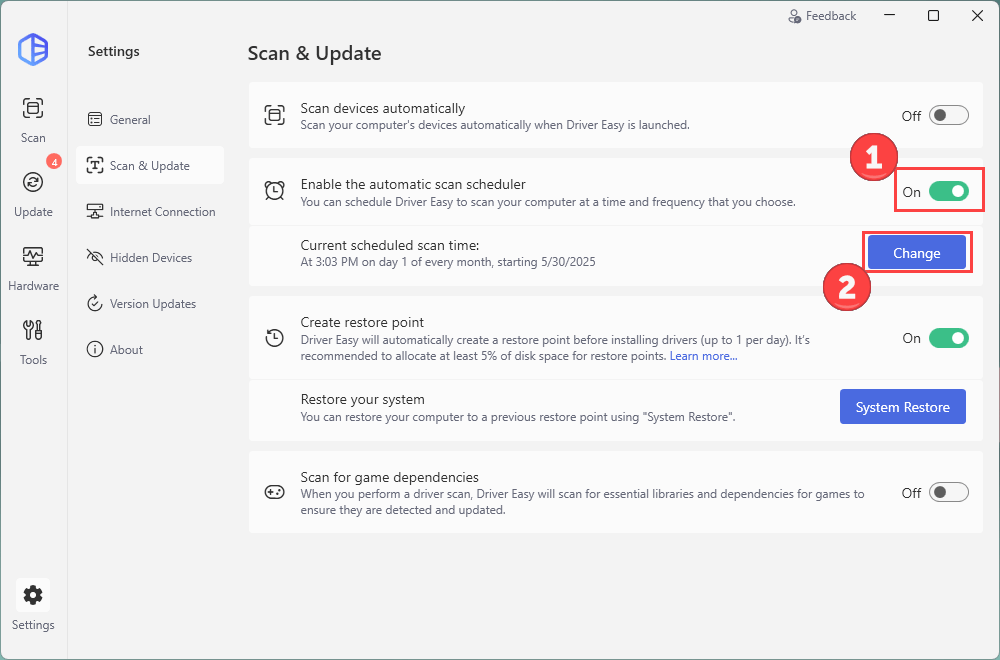
3) Make sure to toggle on Enable the automatic scan scheduler. If you want to change the scheduled scan time, click the Change button.
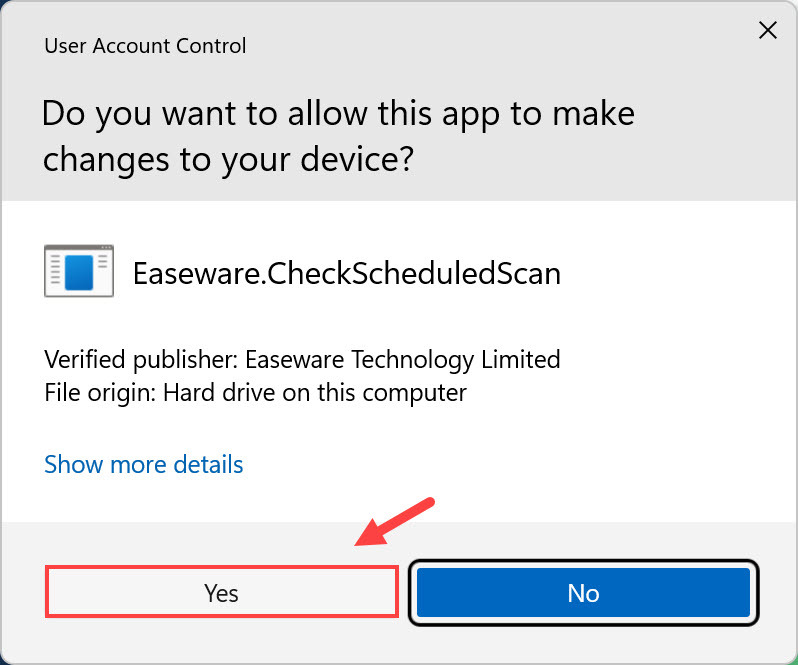
4) Click Yes if you’re asked to allow this app to make changes to your device.
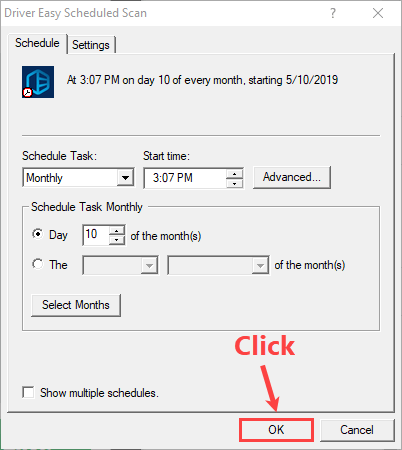
5) Configure the settings of this scheduled scan task. Then click OK.